10 Solana Wallet Tracker Tools Compared for 2026
compare 10 solana wallet tracker tools on features, alerts, pricing, and limits. read-only access, use cases, and the risks of copy trading explained.
More wallet data does not mean better decisions. The popular advice is to follow large wallets, turn on alerts, and watch what they buy. That leaves out the questions that matter: how they sized the trade, whether you can see the exit, and whether their apparent gains came from trading rather than transfers.
Most wallet trackers show balances. Fewer explain positions well enough to distinguish a token holding from exposure inside a lending market or liquidity pool. A Solana wallet tracker should answer a specific question, not just produce a longer activity feed.
Solana processed approximately 33 billion non-vote transactions in 2025, according to CryptoSlate's review of Solana network activity. That makes filtering useful, but address activity still isn't a count of human traders. A busy wallet can belong to an automated system.
Track behavior you can verify. A large balance or frequent activity doesn't establish repeatable trading skill.
These ten tools serve different jobs: quick address checks, transaction verification, position accounting, alerts, and attribution. The useful comparison is read-only access, alert coverage, position depth, and the gaps you'll encounter in daily use. None answers every question about whether another wallet's trades are suitable to follow.
Table of Contents
- 1. Phantom Wallet. Watch-Only Accounts
- 2. Solscan Watchlist & Notifications
- 3. DexScreener
- 4. Jupiter Portfolio
- 5. SolanaTracker.io
- 6. Birdeye Wallet Tracker
- 7. OKLink Address Monitoring
- 8. Backpack Wallet
- 9. GMGN.ai Wallet Tracker & Copy Trade
- 10. Arkham Intelligence
- Top 10 Solana Wallet Trackers: Feature Comparison
- Match the Tracker to the Question You Are Asking
1. Phantom Wallet. Watch-Only Accounts
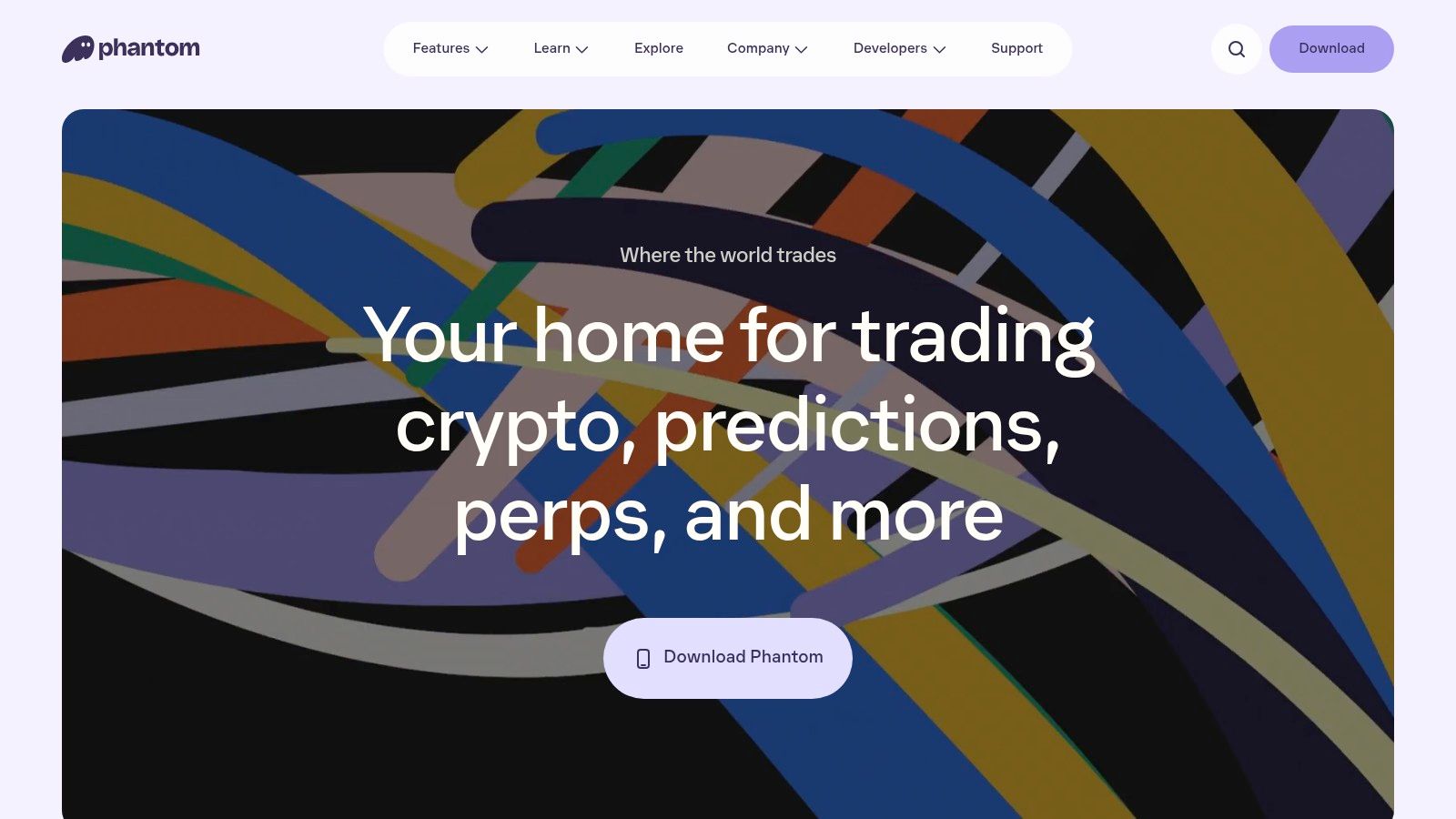
Phantom is the straightforward option when you want to inspect an address inside a wallet app you already use. Add a watch-only address without importing its private keys, then review balances and activity on mobile or through the browser extension.
That suits checking cold storage or keeping a tracked wallet close at hand. Monitoring doesn't require control over the address. Keep that distinction clear when switching between watched accounts and accounts you can sign transactions from.
Convenient Access, Limited Interpretation
Phantom's balance and activity views aren't a substitute for dedicated wallet analytics. You can inspect what an address holds and review its activity, but that doesn't establish position cost, complete exits, or strategy-level results.
- Read-only access: Watch an address without importing keys.
- Daily convenience: Mobile and extension access make quick checks practical.
- Social coverage: Limited follow features can surface activity from followed profiles, but don't replace a configurable wallet-alert workflow.
- Main gap: Balance changes alone don't explain trading performance.
For a wallet follower, Phantom works as an inspection surface. It doesn't remove the need to investigate transfers, compare entries with exits, or reconcile activity elsewhere. Use the watch-only view for the narrow job it handles, not as evidence that a watched trader's performance is fully understood.
2. Solscan Watchlist & Notifications
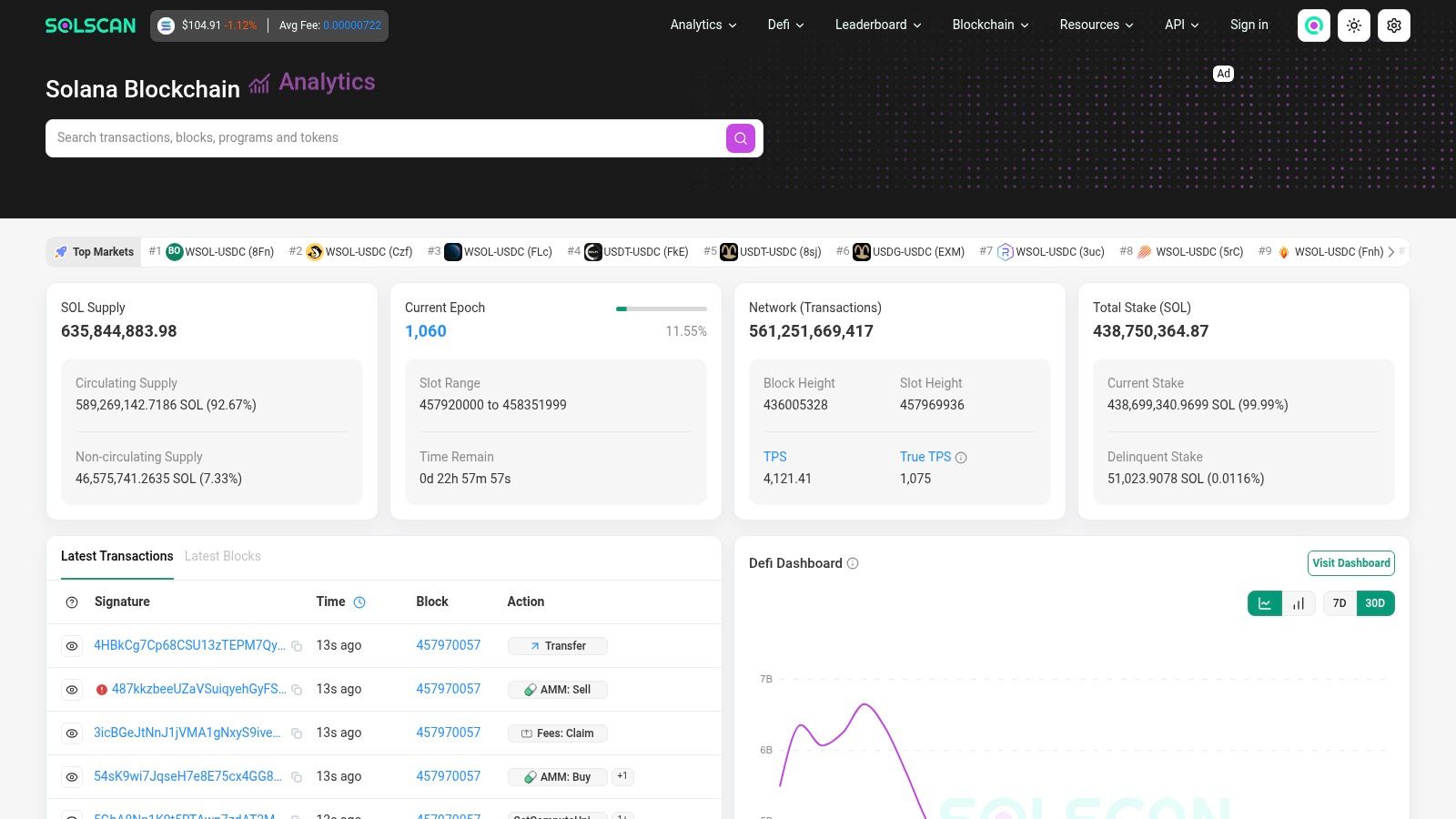
A wallet alert is a prompt to inspect an event, not a verdict on what happened. Solscan combines a Solana explorer with a personal Watchlist and address-activity notifications. It is most useful when you need to verify visible transaction history, rather than infer a trader's strategy from a dashboard.
Add addresses to the Watchlist to follow their activity. Notifications include basic PnL and balance-change indicators. Check the transaction details before treating either as evidence of a trade.
Read the Transaction, Not Just the Alert
A token leaving an address may be a transfer, not a sale. An incoming token may also come from a transfer rather than a purchase. Inspect swaps, transfers, and instruction details to work out what the visible event supports.
Solscan fits the verification step in a workflow for tracking crypto wallets. Its alerts help surface activity, while the explorer lets you examine the underlying transaction. Developers can also use the paid Pro API for programmatic tracking.
The limit is position context. Solscan's strategy-level analysis is thinner than dedicated wallet-analysis tools, and an address history may not show whether an exit happened through a related wallet. Use it to check what the address did on-chain, then judge whether that history answers your question. An alert can point you to an event; it cannot establish the full position or explain the trader's intent.
3. DexScreener
DexScreener answers a market-facing question: what does this wallet hold, and what's happening in those token markets? Its Solana pair watchlists, price alerts, and basic address-based portfolio view put wallet exposure beside charts.
Basic use is free and doesn't require login. That makes it easy to paste an address, inspect holdings, and move to the relevant pair chart without setting up a separate accounting workflow.
Price Alerts Aren't Wallet Alerts
The distinction matters. A price alert tells you a market condition changed. It doesn't, by itself, establish that the wallet you're following bought, sold, or reduced its exposure.
DexScreener combines charts, alerts, and a quick portfolio overview. Its limitation is position attribution. A chart and current holding don't explain the wallet's acquisition cost, whether tokens arrived by transfer, or whether part of the position sits inside a DeFi protocol.
A price alert tells you about the token. A wallet event tells you about the address. Don't treat them as interchangeable.
For daily use, keep pair watchlists separate from your record of wallet actions. Inspect the chart for market context, then verify the wallet event before drawing conclusions about its behavior.
DexScreener isn't a full DeFi accounting tool. Its wallet view is useful for a quick exposure check, but limited PnL and position attribution make it insufficient for reconstructing an entire trading history.
4. Jupiter Portfolio
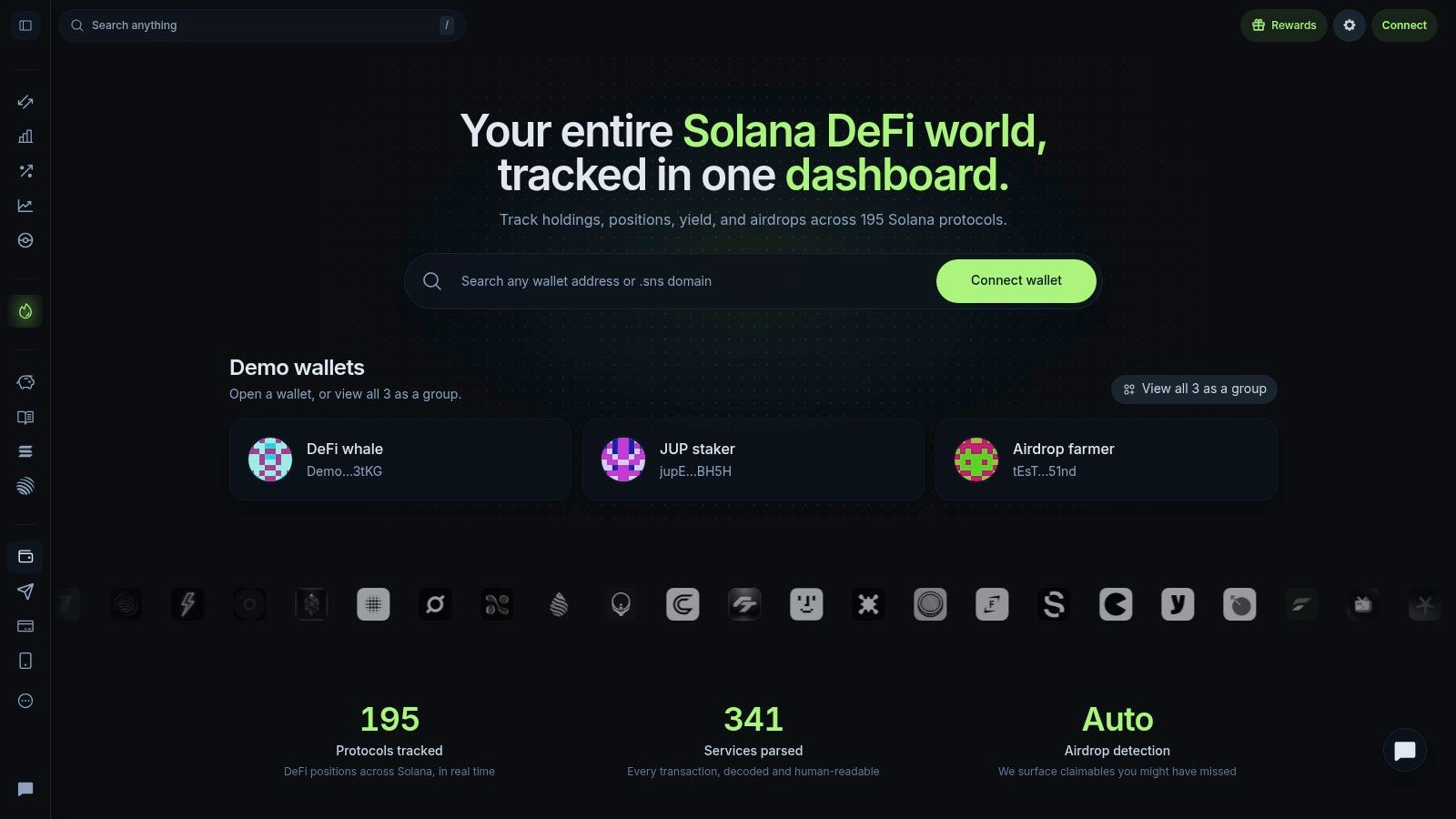
A wallet's visible token balance can miss assets deployed in DeFi. Jupiter Portfolio, formerly SonarWatch, gives users a free, Solana-native view of public-address holdings and positions.
Enter a public address for read-only tracking without keys, or group wallets in one portfolio. The dashboard includes SOL, tokens, staking, and DeFi positions, so it can show exposure that a spot-token view misses.
- Protocol coverage: Jupiter says it covers 190+ Solana protocols, including lending, liquidity pools, and staking.
- Combined exposure: Wallet bundles consolidate portfolio totals, but do not verify that the addresses share an owner.
- Review tools: Activity feeds, position breakdowns, and exports help reconcile holdings.
- Scope limits: NFT detail is limited compared with NFT-focused tools. The product primarily covers Solana, not cross-chain accounting.
Position Coverage Doesn't Explain Intent
Jupiter Portfolio answers what an address holds or has deployed across supported protocols. It does not explain why the owner traded, or whether a position reflects a deliberate investment.
Check the position breakdown before interpreting a lower visible token balance as an exit. Tokens may have moved into a lending market or liquidity pool, leaving exposure in place.
For wallet followers, read-only access avoids sharing keys, and the combined view helps track several addresses at once. The trade-off is attribution: bundling addresses is useful for accounting, but does not prove common ownership. Keep assumptions about linked wallets separate from the portfolio totals.
5. SolanaTracker.io
A wallet's displayed PnL is a starting point for review, not a copy-trading signal. SolanaTracker.io's wallet interface shows address-based portfolio breakdowns, trade history, activity, and estimated realized outcomes in a Solana-focused view. It is useful for tracing an address's trading record. It does not settle questions about attribution, privacy, execution quality, or complete portfolio accounting.
Read the Trade History Before Judging PnL
SolanaTracker's PnL documentation explains why visible results need context. Transfers, airdrops, related addresses, arbitrage, and privileged execution can all complicate the link between reported PnL and repeatable trading behavior.
Start with the transaction trail. Were tokens purchased, or transferred in? Can you see the corresponding sales? Check holding periods and liquidity as well as estimated results. Bot or MEV classifications warrant investigation, but they do not prove that a follower can reproduce the trades.
The wallet with the strongest visible result may be a poor one to follow. Its fills may depend on execution conditions unavailable to you. SolanaTracker offers a useful record for analysis, while token and liquidity context still affect how its PnL should be read. Reconcile entries and exits before treating the estimate as an account of the trader's behavior. If the history does not support that interpretation, don't copy the result at face value.
6. Birdeye Wallet Tracker
Birdeye places wallet analysis inside a market terminal. Its Wallet Tracker combines address discovery, positions, trade history, and token analytics, with web and mobile access.
That arrangement suits reviewing an address alongside the markets it trades. Token pages provide holder, liquidity, and trade information. You don't have to interpret a wallet's activity without the surrounding token context.
- Alert coverage: Price, token, and wallet-specific alerts serve different monitoring needs.
- Address analysis: Wallet profiles show positions and trade history.
- Market context: Holder and liquidity information help frame a visible trade.
- Builder costs: Paid API tiers apply when using Birdeye's data API.
Configure Alerts Around the Actual Question
A broad alert feed can become a record you stop reading. Decide whether you need wallet actions, changes in a particular token, or market-price notifications. Those aren't interchangeable signals.
Birdeye's position accounting is less granular than a full DeFi portfolio dashboard. If a wallet moves assets into lending or liquidity positions, don't assume the market terminal alone provides a complete exposure picture.
Alert speed also isn't the same as usable execution speed. A notification must still reach you, be interpreted, and lead to an action. Birdeye helps with monitoring and context; it doesn't make a later manual trade equivalent to the source wallet's fill.
7. OKLink Address Monitoring
Address monitoring is useful only if you can tell one wallet from another. OKLink supports Solana within its multi-chain explorer and provides address monitoring, private labels, and a dashboard for monitored addresses and alerts.
Labels help keep a watchlist usable. Name addresses by what you have observed, such as a transfer pattern, rather than assigning an identity you cannot confirm. Repeated transfers between wallets do not prove they belong to the same trader.
There is an access cost: basic monitoring requires signing in. That makes OKLink less convenient for a one-off public address check, but the account-based dashboard supports ongoing list management.
The main trade-off is depth. OKLink's dashboard brings monitored addresses and alerts together, while its Solana-specific position analysis is thinner than Jupiter Portfolio's accounting or Birdeye's token context. It suits a follower who needs an organized address list and a way to check activity, not someone trying to reconstruct a complex position or trading performance.
Private labels organize your own view; they do not make public transactions private. Keep that distinction in mind if you use a separate funded wallet to trade on what you observe.
8. Backpack Wallet
A token balance misses assets deployed into DeFi. Backpack combines wallet and exchange features with a portfolio view that, according to Backpack, tracks positions across 40+ Solana protocols, including liquidity pools, lending, staking, and rewards.
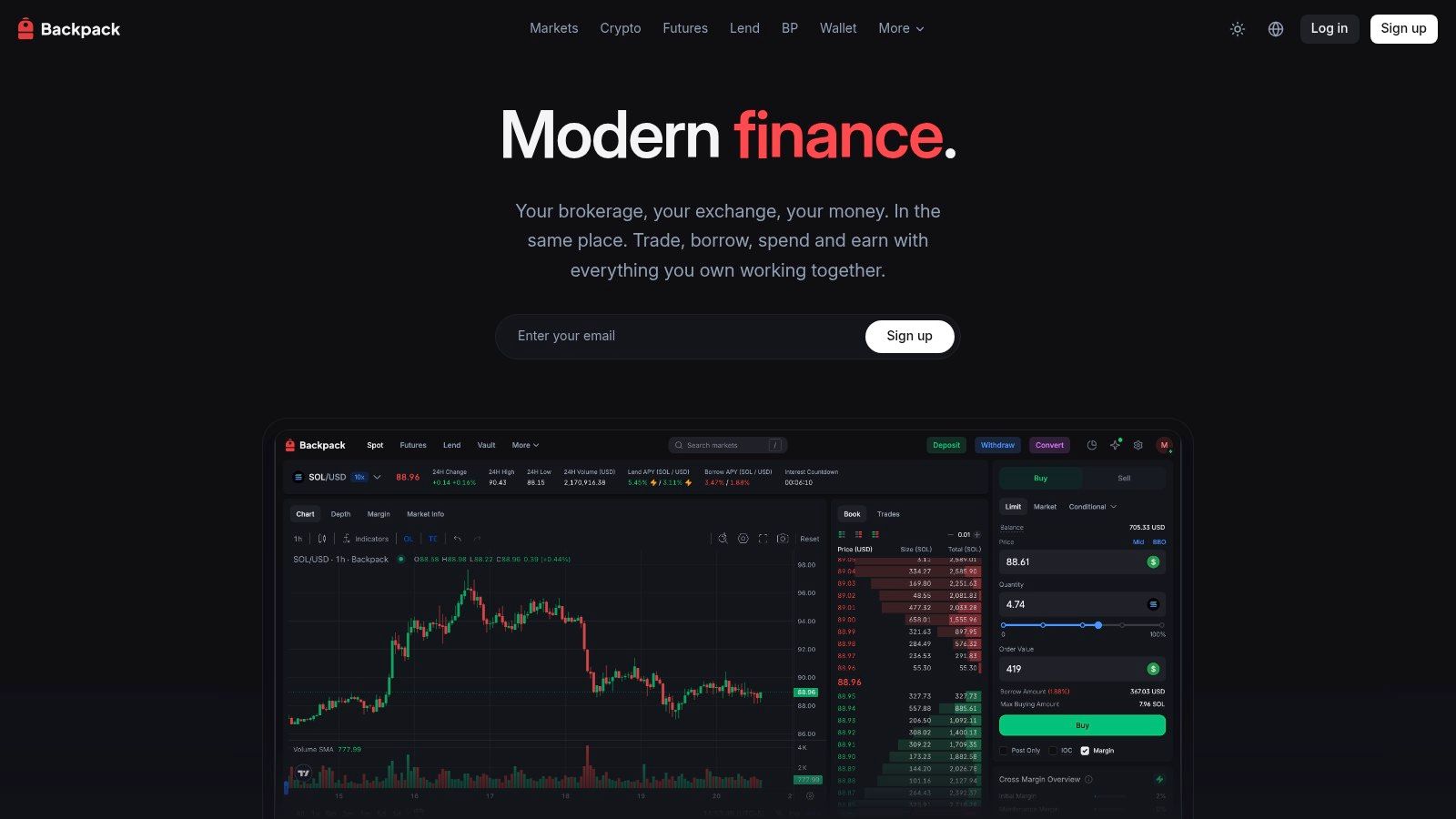
Position depth: LP, lending, staking, and rewards positions sit alongside token holdings. Asset coverage: The interface also includes NFTs. This broader view helps answer what assets are held or deployed, rather than leaving the review at the wallet's available token balance.
That depth comes with extra interface.
Workflow weight: Backpack is heavier than a dedicated read-only tracker. Its integrated environment suits reviewing your own assets, but a wallet follower should check whether the address they want to inspect is accessible without unnecessary permissions. Portfolio support alone does not establish arbitrary-address watch-only access.
Exchange costs: Exchange usage is subject to standard fees. Those costs belong to the trading workflow, so distinguish portfolio review from exchange use when deciding whether the integrated setup serves your needs.
The daily-use limit is monitoring coverage. Backpack's stated strength is asset and position review; don't treat it as a dedicated wallet-alert service. A broader holdings view also does not explain another trader's entries and exits. Choose it for the position detail you can inspect, and verify read-only access and alert coverage separately.
9. GMGN.ai Wallet Tracker & Copy Trade
A wallet's displayed profit is no guarantee you can copy its trades at the same price.
GMGN.ai answers a narrower question: what has this address traded, and what does it still hold? Visible data: Its wallet pages include PnL, positions, and trade history. Monitoring scope: Following features, alerts, and Wallet Radar support address filtering and monitoring. For a wallet follower, these are reasons to inspect the tool before considering execution.
Keep the permission boundary explicit. Reading an address is observation; optional Solana copy trading introduces execution, permission, and loss risks. Verify that the monitoring workflow gives you the read-only access you need without authorizing trades. This comparison does not recommend GMGN.ai's copy-trading service.
Execution limit: An alert cannot establish that your transaction will land at the source wallet's price. S&P Global's explanation of crypto slippage defines slippage as the difference between expected and actual execution results. A matching token purchase on screen leaves that question unresolved.
Reliability question: Review confirmed transactions and failures rather than relying on an interface demonstration.
The discussion of Solana copy-trading bots separates monitoring from automation. To find the right copy trading setup, assess permission scope, exit handling, and execution records separately from wallet discovery. GMGN.ai's tracking features help identify activity to investigate; copying that activity requires a separate execution assessment.
10. Arkham Intelligence
Who may control this address? That's a different question from what it bought. Arkham Intelligence focuses on address and entity labels, wallet flows, alerts, and multi-chain portfolio views that include Solana.
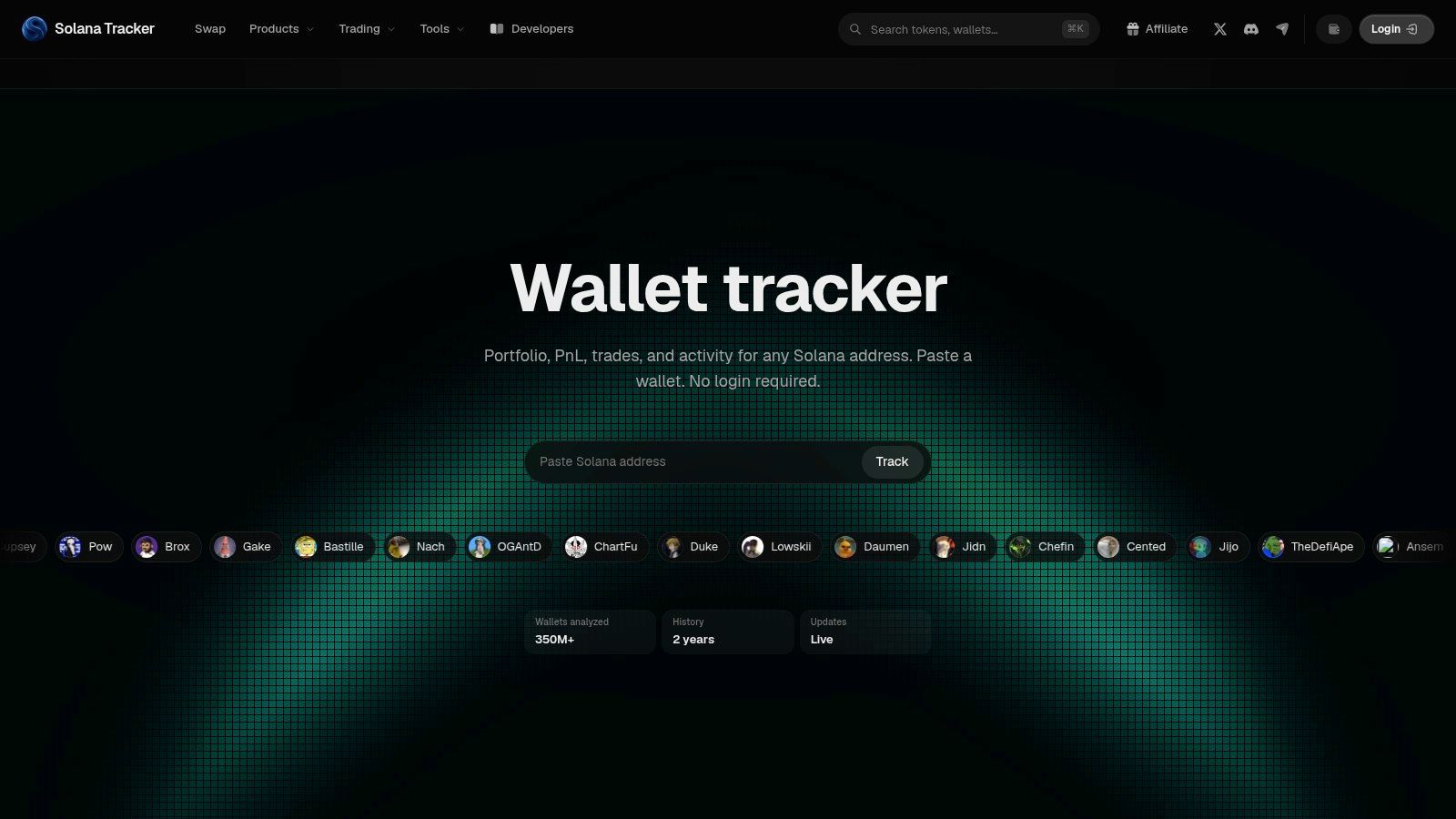
It offers a free tier alongside paid Pro features. The interface can be more involved than necessary for a quick balance or basic wallet-PnL check, but attribution and flow investigation are distinct jobs.
A Large Address Isn't Necessarily a Trader
Coinlore's Solana rich-list analysis reported that the 10 largest addresses held approximately 44.10% of available SOL at its snapshot. The ranking included exchange wallets, smart contracts, and protocol reserves, not just individual investors.
That distinction matters when using labels to build a watchlist. A large custody address can produce substantial flows without representing a discretionary trading strategy.
Attribution rule: Treat an entity label as context to investigate, not proof that every transaction expresses one trader's decision.
Arkham's labels and flow views help investigate relationships. They don't reveal private intent or turn a probable address association into certainty. Its alerts are useful for monitoring the flows you're examining, rather than replacing position-level accounting.
For crypto whale wallet tracking, identify the address type before interpreting its balance or transfers. Otherwise, you may be studying infrastructure while believing you're following a trader.
Top 10 Solana Wallet Trackers: Feature Comparison
| Tool | Core capabilities | Monitoring vs. execution | Standout feature | Best for | Pricing / value |
|---|---|---|---|---|---|
| Phantom Wallet, Watch-Only Accounts | View address balances and activity | Read-only monitoring; no trade copying | Watch addresses without importing keys | Phantom users checking wallets on mobile or desktop | Wallet feature; no separate price stated |
| Solscan Watchlist & Notifications | Track addresses, transaction history, and activity alerts | Monitoring and verification; no trade copying | On-chain explorer data and Pro API | Users verifying wallet activity or building trackers | Watchlist available; Pro API is paid |
| DexScreener | Pair watchlists, price alerts, and basic wallet portfolio view | Market and wallet monitoring; no trade copying | Charts and wallet overview in one place | Traders wanting a quick, no-login snapshot | Basic use is free |
| Jupiter Portfolio | Portfolio, activity, and DeFi positions across 190+ Solana protocols | Read-only portfolio tracking; no trade copying | Multi-wallet bundling and broad Solana coverage | Solana users tracking assets across protocols | Free |
| SolanaTracker.io | Wallet portfolio, estimated realized PnL, and trade history | Wallet analysis; no trade copying | Fast wallet performance snapshot | Users assessing Solana wallet trading activity | Price not specified |
| Birdeye Wallet Tracker | Wallet positions, trade history, token data, and alerts | Monitoring and alerts; no trade copying stated | Wallet insights alongside market data | Traders following wallets and token markets | API tiers are paid; tracker pricing not specified |
| OKLink Address Monitoring | Monitor Solana addresses, organize labels, and receive alerts | Address monitoring; no trade copying | Private labels for watchlist organization | Users managing multiple tracked wallets | Sign-in required; price not specified |
| Backpack Wallet | Tokens, NFTs, and DeFi positions across 40+ Solana protocols | Portfolio tracking plus wallet and exchange tools | LP, lending, staking, and rewards in one view | Solana users wanting an integrated wallet experience | Exchange fees apply |
| GMGN.ai Wallet Tracker & Copy Trade | Wallet PnL, positions, history, alerts, and Wallet Radar | Monitoring plus optional Solana copy trading | Combines wallet discovery with trade execution | Traders seeking smart-money tracking and optional copying | Pricing not specified |
| Arkham Intelligence | Multi-chain wallet and entity views, flows, labels, and alerts | Investigation and monitoring; no trade copying stated | Address attribution and cross-chain views | Users researching wallet identities and fund flows | Free tier; paid Pro features |
Match the Tracker to the Question You Are Asking
Start with the question you need answered: a quick check on a wallet, a full view of its positions, or the reasons behind its trades. Phantom handles convenient watch-only inspection. Solscan supports transaction verification. Jupiter Portfolio emphasizes protocol positions, while DexScreener connects basic exposure with charts.
For ongoing monitoring, examine alert scope rather than the presence of an alerts button. Birdeye combines wallet and token context; OKLink emphasizes watchlist organization. SolanaTracker.io focuses on address-level trading analysis, Backpack on integrated asset views, and Arkham on attribution and flows.
Evaluate the Record Before Automating
A useful follower audit separates swaps from transfers, checks visible entries and exits, and asks whether the source wallet's execution is reproducible. Historical PnL is an observation, not a forecast. University of Essex research on copy trading found increased risk-taking when participants could directly copy other traders.
- Position evidence: Reconcile acquisition, disposal, and remaining exposure.
- Execution evidence: Review actual fills, fees, slippage, and failures.
- Control evidence: Understand permissions, revocation, and how to pause automation.
- Accounting evidence: Preserve transaction records rather than relying on a current dashboard.
For recordkeeping context, DeFi tax tracking explained is separate from evaluating trading skill. A portfolio display shouldn't be assumed to provide a complete tax record.
Read-Only Doesn't Mean Private
Monitoring a public address doesn't require its keys, but public activity can expose balances, counterparties, and transaction behavior. ChainScore Labs' discussion of Solana privacy also explains the limits of visibility and address attribution. Non-custodial execution doesn't make copied trades private.
Copy trading carries risk, and past performance does not predict results. IOSCO's report on retail trading practices identifies risks from volatile products, borrowed funds, frequent trading costs, and automated copying. Following another wallet doesn't remove those risks.
For traders who already follow the fomo app, copyfomo is a Telegram bot that automatically copies selected traders' filled entries and exits at a configured trade size. That is automation, not merely observation. Review your sizing and controls before enabling it, and go to the copyfomo website to start the bot on Telegram.
copyfomo mirrors filled entries and exits from selected fomo traders into your own wallet, with configurable sizing and displayed slippage. If wallet tracking is your starting point and you want to automate those trades, visit copyfomo to start the Telegram bot and review its controls before enabling copying.
stop reading. start copying.
pick a trader from the fomo leaderboard, set your size, and the entries and the exits land in your own wallet while you sleep.
open copyfomo on telegram →