Best Crypto Wallet Tracker: 7 Tools Compared
compare the best crypto wallet tracker options for defi, multi-wallet monitoring, alerts, and on-chain pnl, with practical use-case guidance.
You hold tokens in a self-custody wallet, keep another balance on an exchange, and follow a public wallet in a second tab. None of those screens agree on what changed since yesterday. A best crypto wallet tracker choice starts with three plain questions. What do you own. Which positions are moving. Which public wallets deserve closer attention.
Scale explains the mess. Triple-A's 2024 global ownership estimate put crypto ownership at 562 million people in 2024, up from 420 million in 2023. One person can also control several wallets, so a single account view rarely covers the full picture.
Pick for the job, not the longest feature list. Use a simple tracker for balances, a research tool for wallet investigation, and local software if you don't want portfolio data in someone else's cloud. Traders testing top wallet clipping strategies also need clean entry and exit records, not just transfer counts.
A tracker is not an execution tool. copyfomo is separate. It's a Telegram bot that can mirror filled entries and exits from traders on fomo while funds stay in your wallet through a revocable allowance. Copy trading carries risk, and past performance does not predict results.
Table of Contents
- 1. Zerion
- 2. DeBank
- 3. Nansen
- 4. CoinStats
- 5. CoinGecko Portfolio
- 6. rotki
- 7. Arkham
- Best Crypto Wallet Trackers: 7-Tool Comparison
- Choose the Workflow You Need
1. Zerion
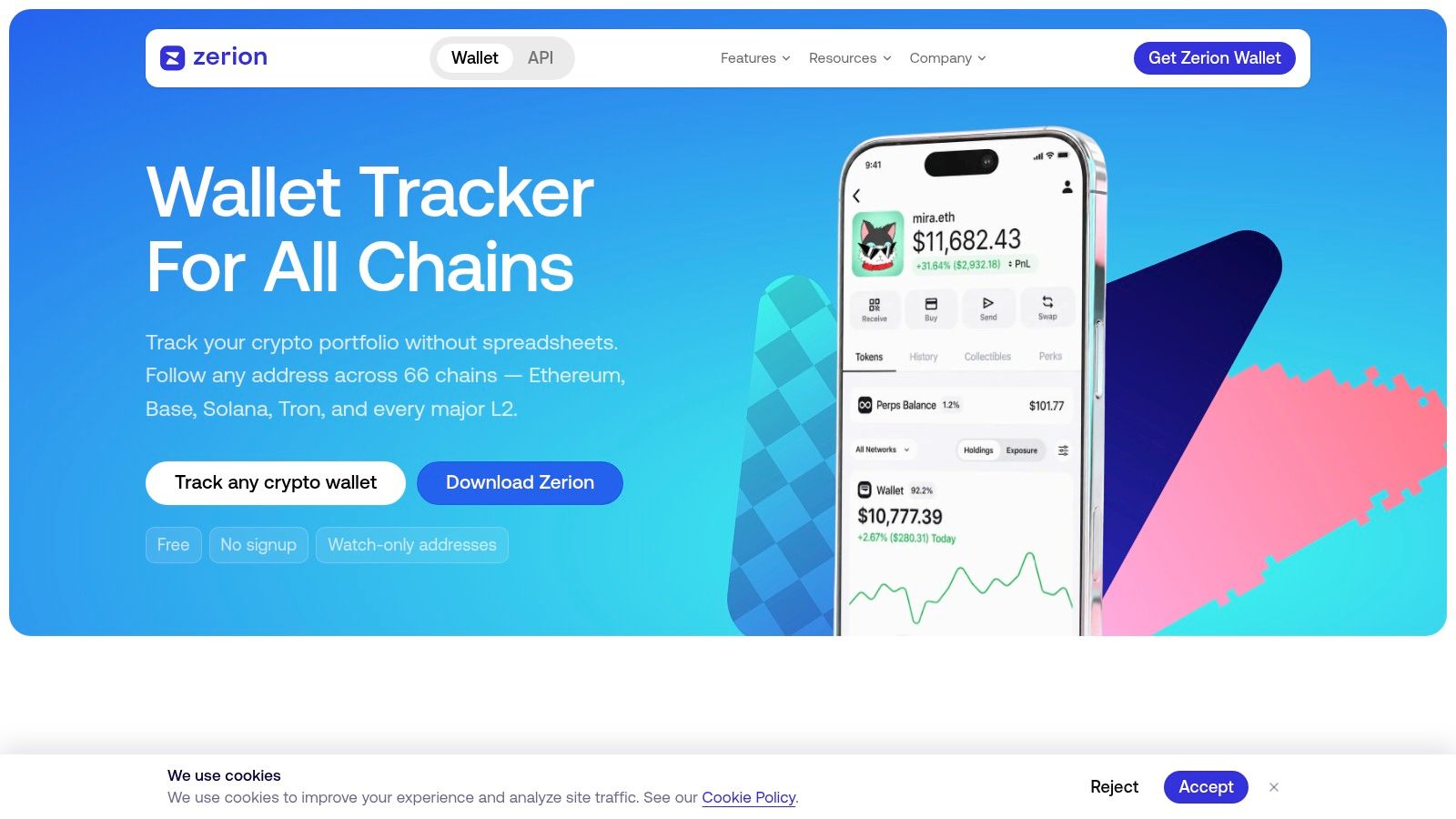
Pick Zerion when you want your own balances and watched public wallets in one dashboard. Paste an address to review tokens, NFTs, DeFi positions, and transaction history without connecting a wallet or signing anything. That makes it a practical starting point for watch-only research.
What It Covers Well
- Watch-only lookup: Track public addresses without exposing keys or approving transactions.
- Aggregated history: Review balances and transactions across supported networks.
- Position coverage: Keep tokens, NFTs, and protocol positions in the same view.
- Cross-device access: Use the web app, mobile apps, and browser extensions.
- Activity notifications: Receive mobile alerts when tracked wallets move.
Tracking matters even when your trading style is passive. Gemini's 2024 Global State of Crypto survey found 65% of current global crypto investors used a buy-and-hold approach. Long-term holders still need allocation, cost basis, and cross-wallet visibility when positions drift.
Basic tracking is free. Premium is listed at $99 per year and adds wallet alerts, P&L for any wallet, and CSV history export. Confirm current pricing before buying, then test the free view against your actual positions. Broad coverage does not guarantee that every token or protocol displays correctly.
Practical rule: Don't pay for P&L until the free view reconciles with your real wallets.
Use Zerion as a broad daily dashboard. If you are consolidating addresses across apps, explore the new wallet model before deciding which holdings belong in one tracked view. Verify obscure DeFi positions on a block explorer before trusting the total. If you pair read-only tracking with a copytrading service such as copyfomo, keep the execution record separate and use exports to reconcile it.
2. DeBank
Start with the chain. If your activity is mainly Ethereum and EVM networks, DeBank is a direct fit. If most of your trading happens elsewhere, it won't be your only tracker.
Search a public wallet address or Web3 ID, then review portfolio value changes, transaction history, and DeFi positions. Social features let you follow wallets and browse Web3 profiles. That makes DeBank useful for researching how an EVM wallet uses protocols, rather than viewing balances in isolation.
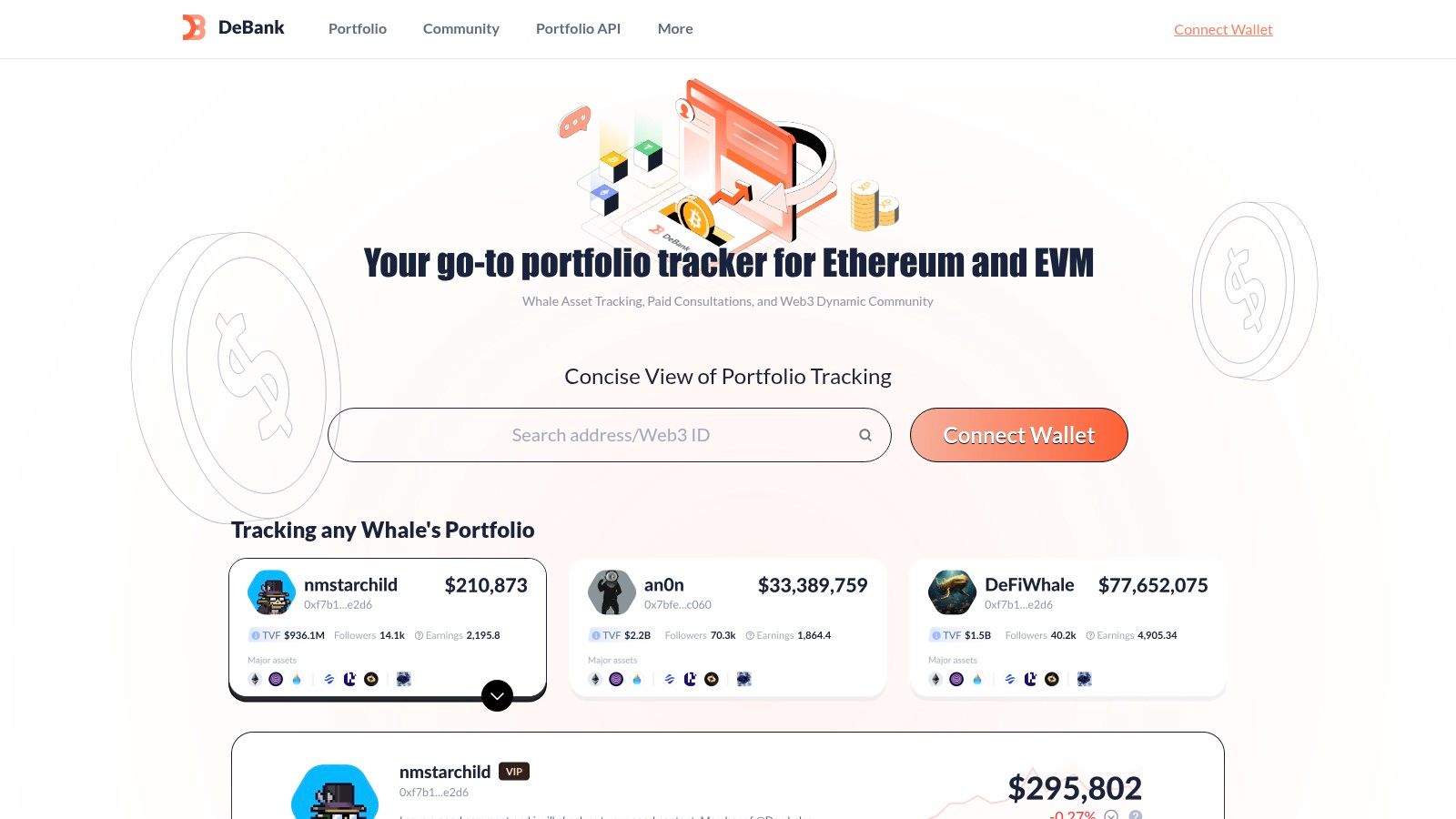
Strengths are clear. Public lookup doesn't require control of the wallet. Transaction summaries and filters help separate routine transfers from meaningful DeFi activity. Portfolio changes over time give long-term positions useful context.
The trade-offs are also clear. Coverage centers on EVM ecosystems, and advanced features are tied to DeBank membership and its XP system. Benefits can change, so don't build a workflow around a membership feature until you've confirmed it still exists. Traders active outside EVM should pair it with a dedicated Solana wallet tracker guide or another chain-specific tool.
Multi-chain coverage matters because adoption isn't concentrated in one market. Chainalysis's 2025 Global Crypto Adoption Index identifies APAC, particularly India, Pakistan, and Vietnam, as a major hub of grassroots activity. A tracker built around one network will miss part of that activity.
Use DeBank for EVM wallet research and DeFi position checks. Don't force it into a universal portfolio role.
3. Nansen
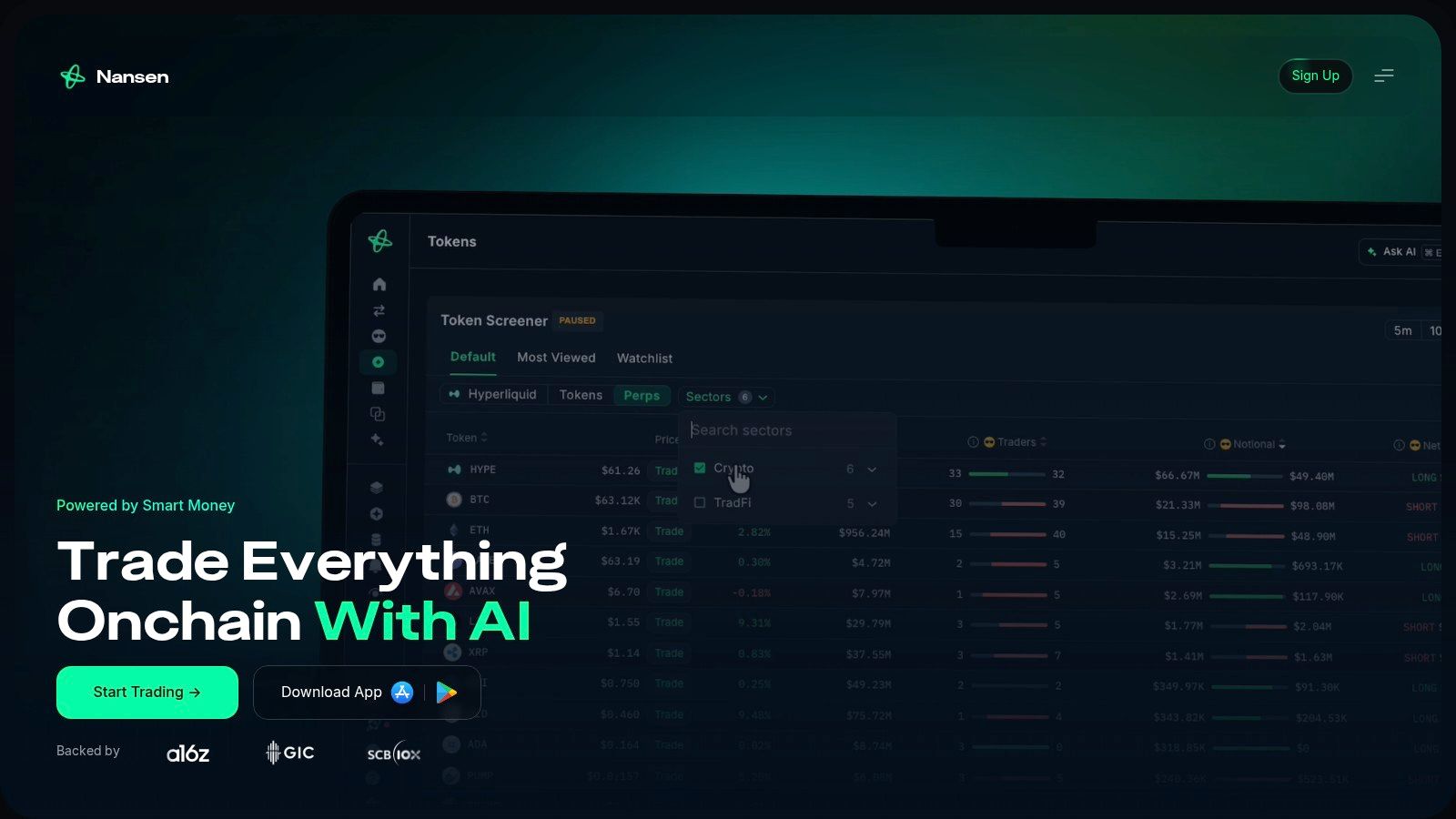
When a wallet you follow makes a trade, the transaction feed rarely explains the strategy behind it. Nansen adds labelled wallet data to portfolio tracking, P&L tools, multi-chain analytics, and smart alerts. Use it for on-chain research and monitoring, not as your only household portfolio tracker.
Research Before You Follow
A wallet might hold liquidity positions, receive airdrops, bridge funds, and trade unrelated tokens. Reading every movement as a buy or sell can distort your view of its performance.
Check how the tracker treats realized and unrealized gains, partial fills, and exits routed through aggregators. Permit and Permit2 approvals accounted for 38% of major wallet-drainer losses in 2025, according to reported wallet-drainer loss data for 2025. Review approval activity separately from trades when assessing a wallet.
- Labelled wallets: Add identity context to public addresses.
- Portfolio and P&L tools: Compare wallet activity over time.
- Smart alerts: Follow selected wallet activity without watching feeds constantly.
- Multi-chain analytics: Research activity across supported networks.
Nansen offers a free account. Pro pricing is listed at $49 per month billed annually or $69 month-to-month, with unlimited portfolios and smart alerts. The cost and learning curve make it a poor fit for casual balance checks. Choose it if wallet research and on-chain alerts are part of your regular trading routine.
4. CoinStats
When your crypto is spread across self-custody wallets, exchanges, and DeFi positions, CoinStats brings those holdings into one portfolio view. CoinStats suits traders who want a single dashboard for mixed accounts rather than a tracker focused on one wallet or chain.
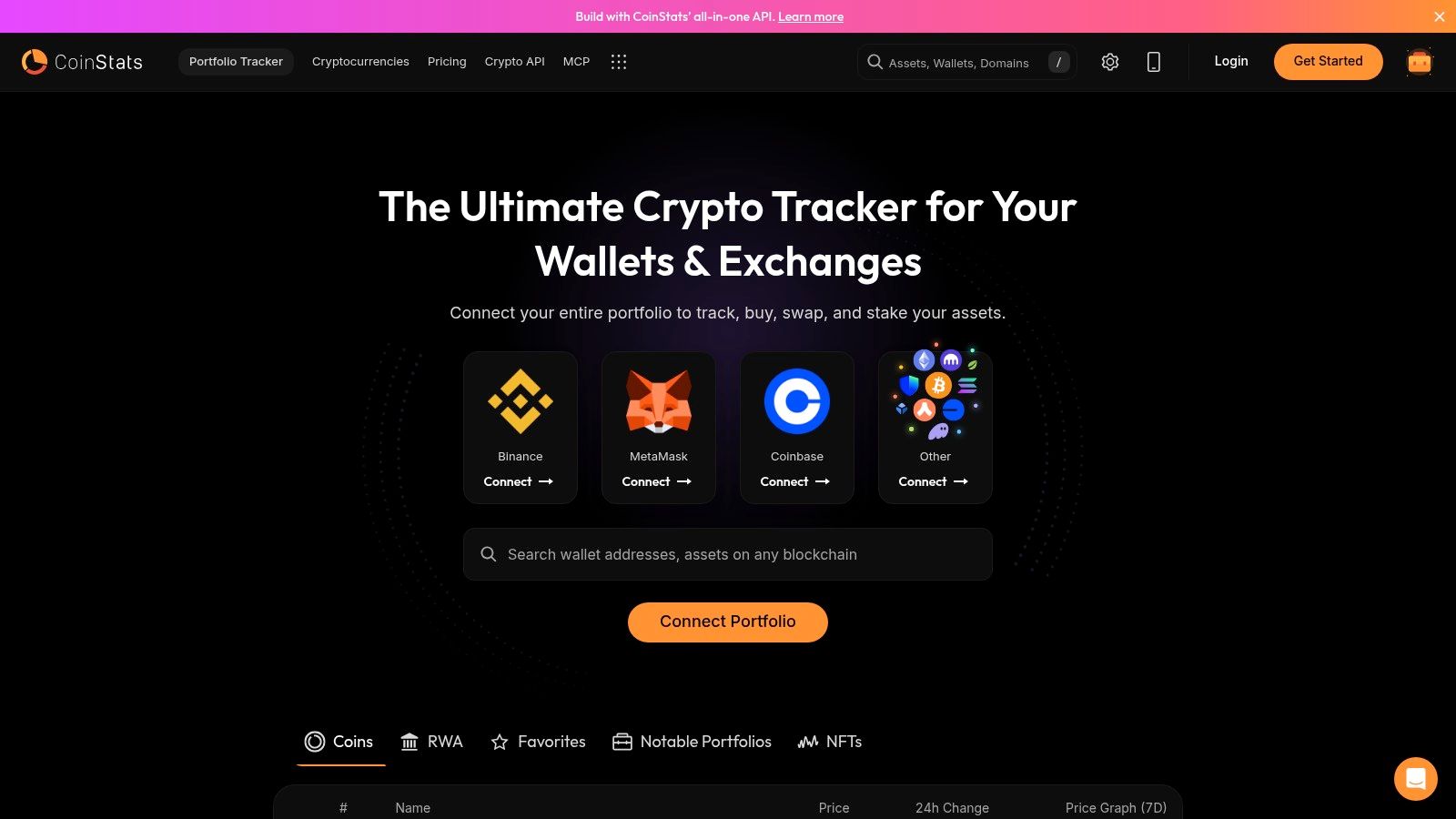
Add a wallet using its public address, then review portfolio analytics, set alerts, and check DeFi and NFT positions on web or mobile. Start with read-only tracking. A tracker should never need your seed phrase or private key.
Check permissions before connecting accounts. Viewing a public address differs from granting API access or approving a token allowance. Phishing remains a real wallet risk. Disconnecting a site does not revoke a token allowance; revoke it separately through the relevant wallet or contract tools.
CoinStats offers a free tier and paid Premium plans, plus a lifetime option listed at $399, subject to availability. Confirm current pricing before paying. Some analytics and portfolio-management features require a paid plan.
The trade-off is breadth: the interface can feel busy if you only want to watch one address, and integrations vary across wallets, exchanges, and assets. Test connections with a small account first, then check the reported totals against the source accounts. CoinStats fits traders managing a mixed portfolio who value a unified view over a minimal interface.
5. CoinGecko Portfolio
When you need to check a research address alongside your own holdings, CoinGecko keeps both in a manual portfolio view. CoinGecko Portfolio also supports read-only wallet monitoring on supported networks. Enter a public address to review holdings, value, and performance without signing a transaction.
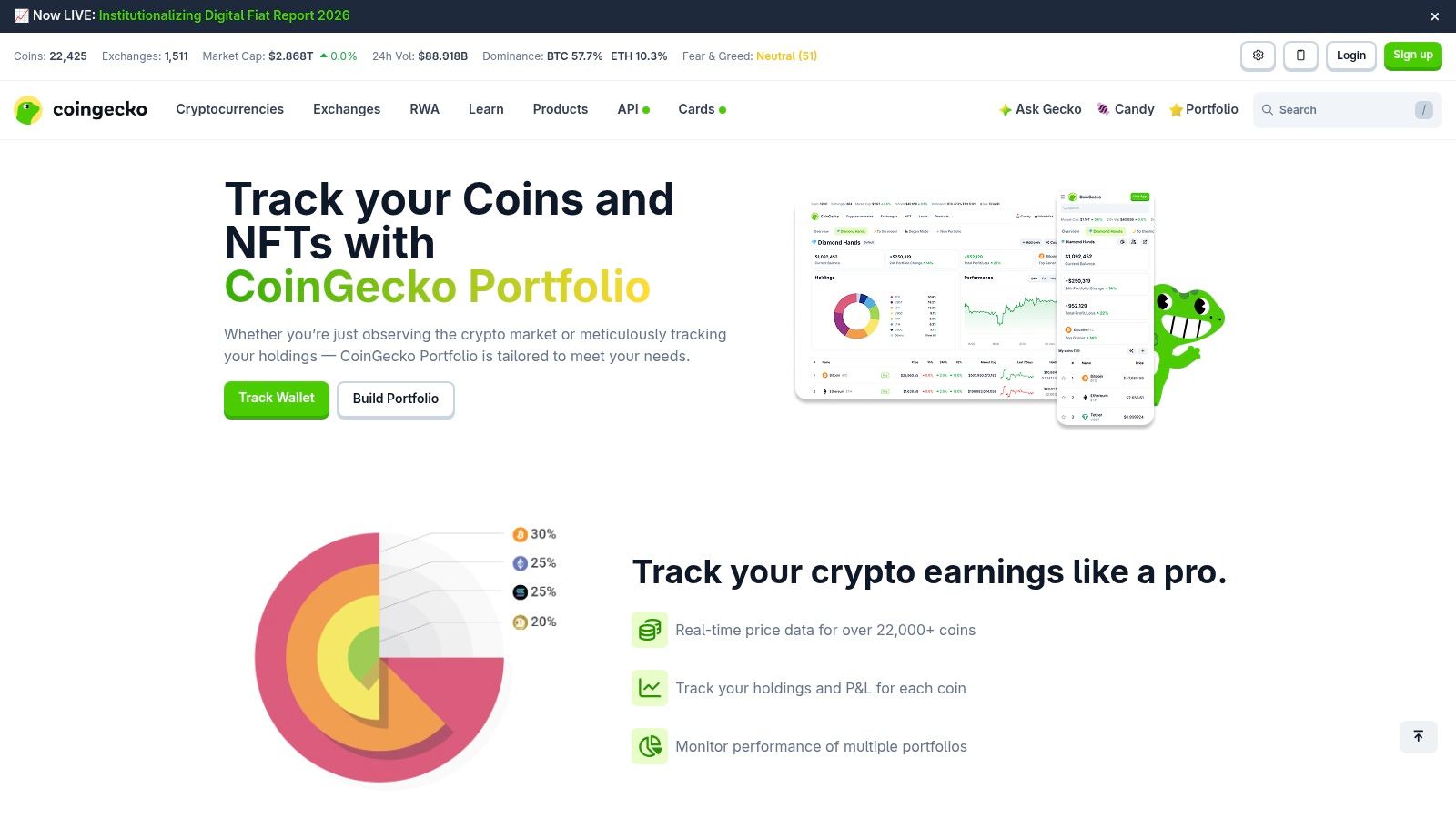
Use separate portfolios and watchlists to keep personal holdings apart from addresses you are researching. That makes CoinGecko a practical fit for watch-only research, especially if you already use its market data. It is less suited to traders who need detailed transaction exports or broad network coverage.
Know What Read-Only Means
Viewing a public address does not grant permission to move its funds. Token allowances are separate: MetaMask's allowance revocation guidance explains that disconnecting a wallet interface does not revoke an allowance. Revoking one requires a separate on-chain transaction and gas, so check permissions before approving anything.
- Public-address tracking: Monitor supported wallets without signing.
- Portfolio performance: Review value changes for supported assets.
- Multiple portfolios: Separate your holdings from research watchlists.
- Web and mobile: Check positions across devices.
Tracking is free. Published guidance says free users can track up to two wallets and Premium users up to 100. Confirm current limits before building a large watchlist.
For routine price and balance checks, CoinGecko is a straightforward option. Its network and asset coverage is limited to supported holdings, and portfolio transactions cannot be exported. Traders who need realized and unrealized performance records should compare it with a dedicated crypto PnL tracker before choosing a paid tool.
6. rotki
A trader who needs private, auditable records will get more from rotki than from a mobile balance dashboard. It is an open-source portfolio tracker and accounting app that runs on your computer, with portfolio data stored in an encrypted local database by default.
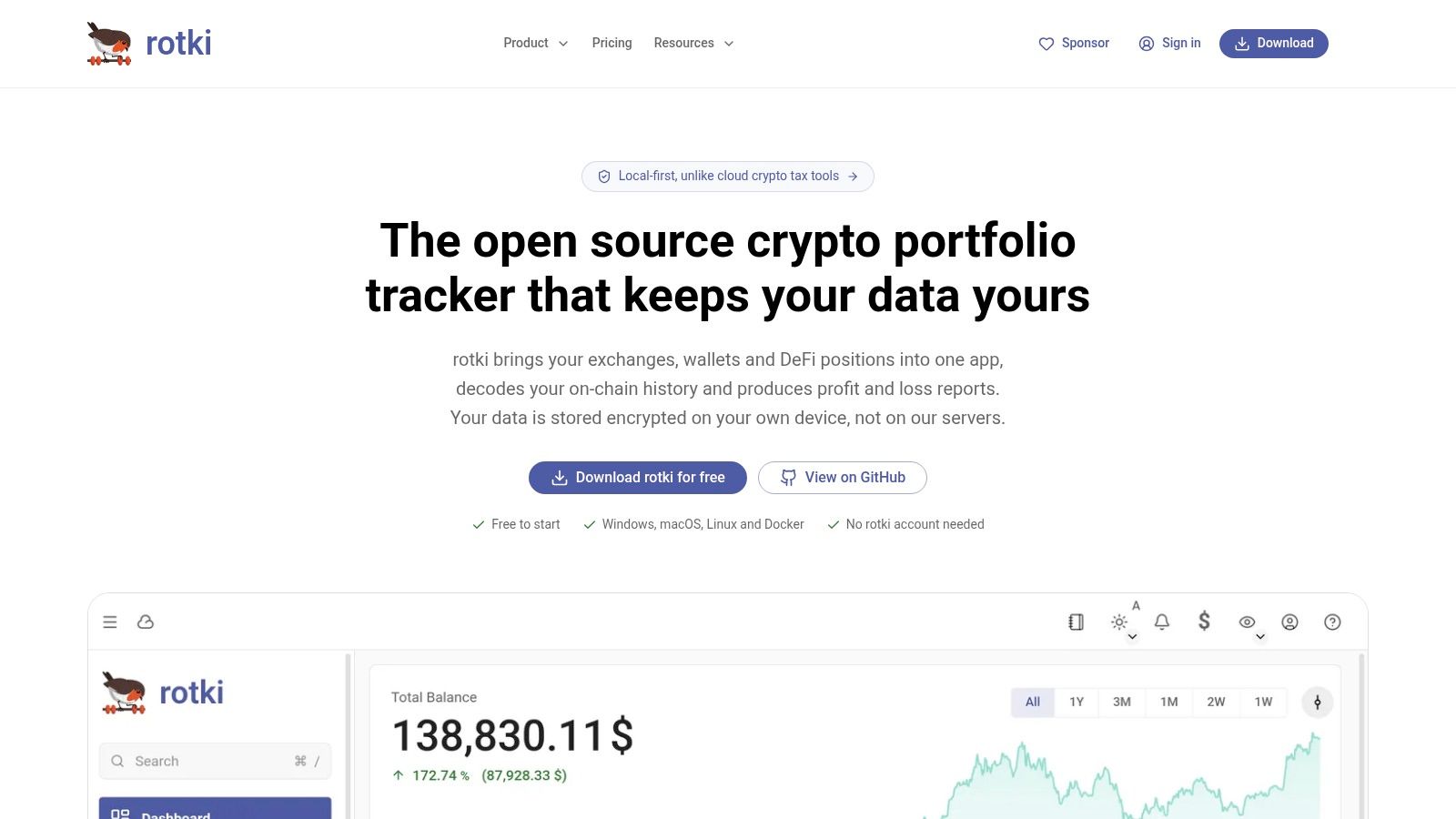
rotki combines wallet, exchange, and DeFi position data. History decoding and profit-and-loss reports support accounting and transaction review, while desktop, Docker, and self-hosting options suit users who want control over deployment.
Local Control Has a Cost
Expect to spend time configuring integrations, maintaining the installation, and checking that imports are complete. The free Starter version has limits, including a stated 1,000-event history limit. Paid plans are listed at €9, €25, and €45 per month, with higher history limits and additional features by tier.
Local storage does not prevent unsafe DeFi approvals. A Georgia Tech report on DeFi security practices found that 57.1% of surveyed DeFi users relied on two-factor authentication as their only technical countermeasure against rug pulls. Only 10.8% regularly checked and revoked token approvals for rug-pull protection.
Security check: Review the spender, token, chain, amount, and last-used time for each open allowance.
Choose rotki for locally controlled records and accounting, especially if you need to combine exchange activity with on-chain positions. Skip it if you want a tracker that works without setup or upkeep. Reconcile imported history as part of your regular workflow.
7. Arkham
Arkham suits detailed wallet investigation. It provides wallet and entity portfolio views, transaction and balance history, alerts, and tools for visualizing on-chain flows. Personal portfolios can aggregate multiple addresses for retrospective research.
Use labels as leads, not facts. An entity label is an interpretation of on-chain identity, and it can be incomplete or wrong. Cross-check important conclusions against raw transactions, balance history, and other public records before acting on them.
Investigation Is Not Execution
Finding a profitable historical wallet doesn't make its next trade suitable to copy. IOSCO's report on copy trading risks states copied trades may execute at different prices from the lead trader, particularly when many followers create additional market momentum. It also notes frequent trading fees can reduce gains or deepen losses.
- Entity portfolios: View labelled wallets and related holdings.
- Balance history: Review how positions changed over time.
- Transaction filters: Narrow activity by relevant events.
- Alerts and visualizations: Follow flows and selected activity.
- Aggregated portfolios: Combine multiple addresses in one view.
Arkham is too much tool for users who only check balances. It's appropriate when you're tracing flows, investigating public entities, or building a watchlist of large wallets. A crypto whale wallet tracker guide covers that narrower monitoring workflow in more detail.
Keep attribution discipline. Separate filled trades from transfers, airdrops, liquidity moves, and approval activity. Headline portfolio value doesn't show whether a wallet realized a gain or holds an asset that rose. For research decisions, realized PnL based on filled trades is the cleaner signal.
Best Crypto Wallet Trackers: 7-Tool Comparison
| Tracker | Complexity & resource requirements | Expected outcome | Ideal use case | Key advantage |
|---|---|---|---|---|
| Zerion | Low; free basic tracking, Premium listed at $99/year | Multi-chain view of tokens, NFTs, DeFi positions, and activity | Monitoring personal or public wallets across devices | Combines portfolio tracking with decoded transaction history |
| DeBank | Low, moderate; core tracking available on web, advanced features use membership/XP | Portfolio changes, transaction history, and wallet profiles for EVM chains | Researching EVM wallets and DeFi activity | Adds social discovery and wallet-following features |
| Nansen | Moderate, high learning curve; free account, Pro listed at $49/month billed annually or $69 month-to-month | Wallet labels, portfolio and P&L tools, and activity alerts | On-chain research and tracking labelled wallets | Provides analytics and research context beyond basic tracking |
| CoinStats | Moderate; free tier and paid plans, with a $399 lifetime option listed subject to availability | Aggregated view of holdings across wallets, exchanges, and DeFi | Managing assets spread across multiple platforms | Combines portfolio analytics and alerts across web and mobile |
| CoinGecko Portfolio | Low; free tracking with published wallet limits; Premium offers higher limits | Portfolio value and performance for supported assets and networks | Simple read-only monitoring or manual portfolio tracking | Easy to try without connecting or signing with a wallet |
| rotki | Moderate, high; local setup, free Starter tier with limits, paid plans listed from €9/month | Local portfolio, exchange, and DeFi tracking with accounting and P&L reports | Privacy-focused tracking and self-hosted portfolio accounting | Open-source and stores portfolio data locally by default |
| Arkham | Moderate, high; research-oriented tools; resource requirements not specified | Wallet and entity histories, alerts, and on-chain activity visualizations | Investigating public wallets, entities, and transaction flows | Labelled entities and investigation tools provide added context |
Choose the Workflow You Need
Choose by job. Don't choose by dashboard design. Every tool above loses once you force it into the wrong workflow.
Use CoinGecko Portfolio for a simple read-only view of supported wallets. Use Zerion when you need a broad multi-chain dashboard across devices. Use DeBank for EVM portfolios and DeFi activity. Use CoinStats when holdings are split across wallets and exchanges.
Use rotki when local storage and portfolio records matter. Use Nansen when labels, P&L context, and smart alerts justify the subscription. Use Arkham when you're investigating entities, tracing flows, or reviewing balance history in detail.
Before committing, test the same address in two tools. Compare token balances, DeFi positions, timestamps, and transaction status. Check whether pending and failed transactions are separated from confirmed fills. Then verify network support, alert coverage, CSV exports, paid limits, and approval visibility.
Execution needs a separate test. Slippage is the difference between expected and final execution price, and KyberSwap's slippage documentation identifies time between order placement and execution as a major factor. A profitable source entry can produce a different follower entry when prices move.
That's why a tracker shouldn't be judged as a copy tool. Trackers show data. Execution tools place swaps. Mixing those roles hides where errors come from and makes performance harder to audit.
If you also follow traders on fomo, copyfomo can complement your tracker. It mirrors filled entries and exits into your own wallet at a configured size, uses revocable allowances, includes pause controls, and shows copied swaps with timestamps and displayed slippage. You can start the bot on Telegram after checking the permission scope.
Keep control of the setup. Review the spender address, chain, allowance amount, and revocation path. Pause new copies when you no longer want automation. Copy trading carries risk, and past performance does not predict results.
Track wallets read-only first, then decide whether execution belongs in your setup. copyfomo mirrors filled entries and exits from fomo traders into your own wallet at your configured size, with revocable allowances and a live record of copied swaps. Visit copyfomo to start the Telegram bot and review the controls before enabling any copy.
stop reading. start copying.
pick a trader from the fomo leaderboard, set your size, and the entries and the exits land in your own wallet while you sleep.
open copyfomo on telegram →