10 Crypto PnL Tracker Picks for Traders
compare 10 crypto pnl tracker tools for wallets, exchanges, on-chain research, tax records, and privacy. find the right fit for your trading workflow.
The usual advice is to find a crypto PnL tracker that connects everything. That's not always the right starting point. A dashboard can combine balances neatly while still leaving you unable to explain a closed trade, reconstruct an acquisition lot, or judge whether another trader's entry was executable.
A PnL number is not a complete trading record. The best tool depends on the question. Are you reviewing a public Solana wallet, combining exchange and wallet data, checking historical gains for tax records, or monitoring active on-chain positions?
Start with that workflow. Then compare supported integrations, calculation methods, paid-plan restrictions, and custody implications. Don't pay for broad coverage if you only need public-address research. Don't expect a wallet analyzer to replace exchange imports and tax-lot reconciliation.
The distinction matters because trading performance and tax records answer different questions. If you need to file crypto tax with confidence, an attractive return chart isn't a substitute for complete transaction records and jurisdiction-specific review.
Practical rule: Choose the question before choosing the dashboard. Realized PnL, open-position valuation, and reportable gains aren't interchangeable.
For active traders, the useful comparison isn't which tool displays the biggest number. It's which tool lets you inspect the transactions underneath it. These picks separate wallet research, portfolio aggregation, tax record keeping, and memecoin analysis rather than treating every platform as a universal tracker.
Table of Contents
- 1. Birdeye Wallet Analyzer
- 2. Nansen
- 3. Solana Tracker Wallet Tracker
- 4. CoinStats
- 5. Zerion
- 6. CoinTracker
- 7. Koinly
- 8. CoinTracking
- 9. CoinMarketCap Portfolio
- 10. SolTracks
- Top 10 Crypto P&L Trackers: Feature Comparison
- Choose the Tracker Before Connecting the Wallet
1. Birdeye Wallet Analyzer
Birdeye fits public Solana wallet research better than whole-account bookkeeping. Its wallet analyzer combines realized and unrealized PnL with win rate, trade counts, trading volume, activity, and token-level details.
That combination matters when you're investigating how a wallet trades. A profit figure alone doesn't explain whether the trader repeatedly entered the same token, kept substantial exposure open, or concentrated activity in a narrow period. Token-by-token records give you somewhere to start checking those questions.
Useful research, not a complete ledger
Birdeye also provides trader discovery, wallet labeling, and monitoring. Those features suit a research watchlist, but they don't turn an indexed wallet estimate into a reconciled record of everything its owner trades.
- Free access: Recent activity is available without paying for the full historical workflow.
- Paid restrictions: Pro provides fuller historical trades and CSV exports, subject to limits.
- Coverage boundary: It isn't a full centralized-exchange portfolio tracker.
The practical trade-off is research convenience versus accounting completeness. You can inspect performance alongside trading activity, but you should still check important results against the underlying transactions.
Before paying for historical access, establish whether the available window covers the wallet's acquisitions as well as its exits. An analyzer showing a sale without the relevant purchase history needs closer inspection. For Solana research, Birdeye has a clear job. For consolidated exchange balances or tax preparation, use a different category.
2. Nansen
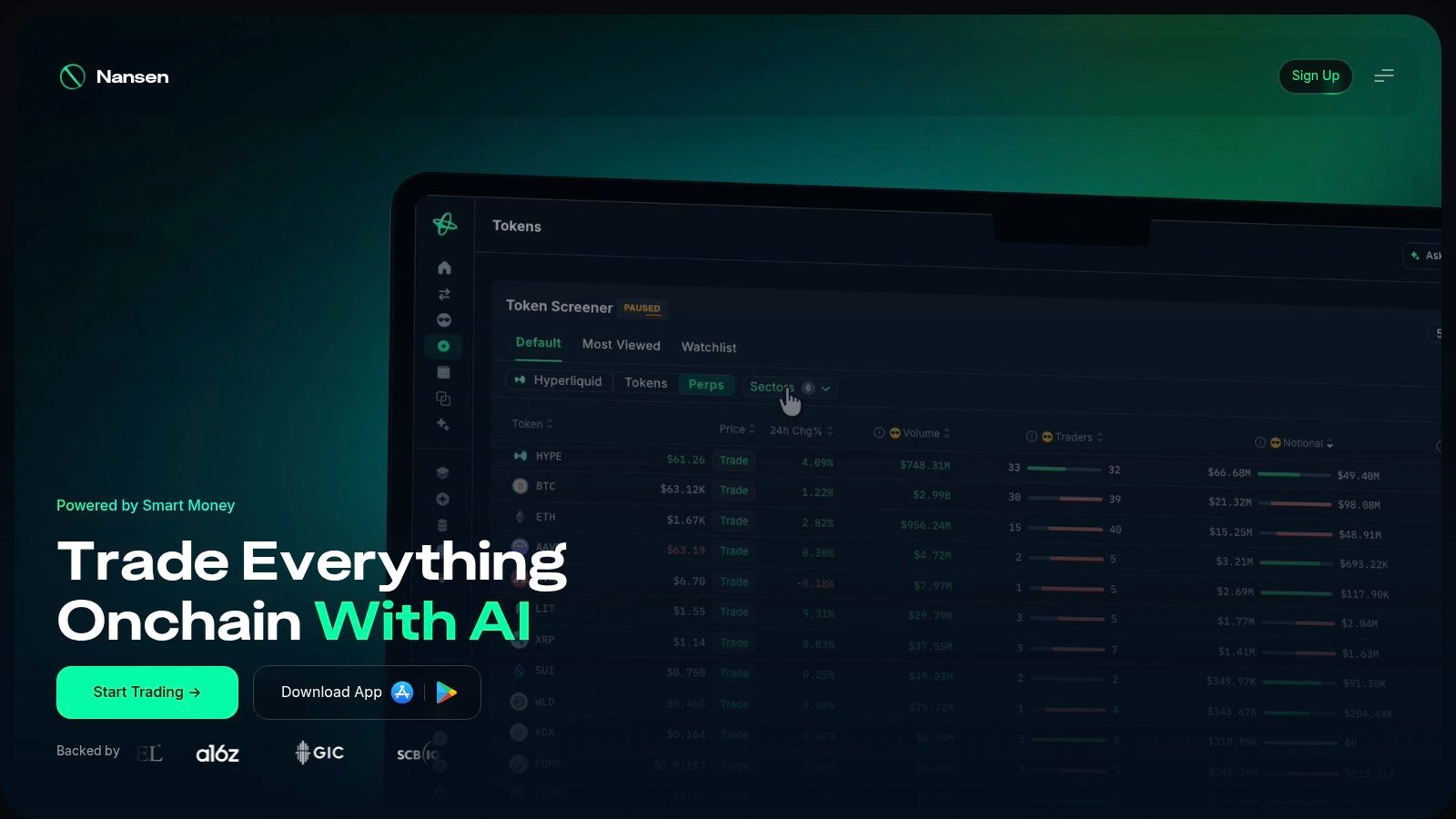
A wallet's PnL tells you what happened. Labels and activity context help you investigate who you're looking at. Nansen combines wallet performance analysis with labeled-address data and Smart Money research, making it a research platform rather than a basic balance screen.
Its tools include realized and unrealized wallet PnL, wallet comparisons, token research, and multichain monitoring. Access depends on the plan, with a free-access path for Solana analytics and broader capabilities requiring paid access.
Pay for context you'll actually use
Nansen makes more sense when you regularly compare market participants. If your only question is whether your own holdings increased in value, its research dashboard may be more than you need.
You'll need an account. Before subscribing, check the specific chains and premium features you intend to use rather than assuming multichain coverage means unrestricted access everywhere.
The distinction between an interesting address and a useful research subject also matters. The crypto whale wallet tracker guide provides additional context for evaluating public-wallet activity without treating wallet size as proof of trading skill.
The editorial trade-off: Nansen adds information around the PnL figure, but that context still requires interpretation. Labels can help organize research. They don't establish that a wallet's historical performance is repeatable, or that another trader could obtain the same fills.
Use it when address context changes your analysis. Don't pay for labels to decorate a return chart.
3. Solana Tracker Wallet Tracker
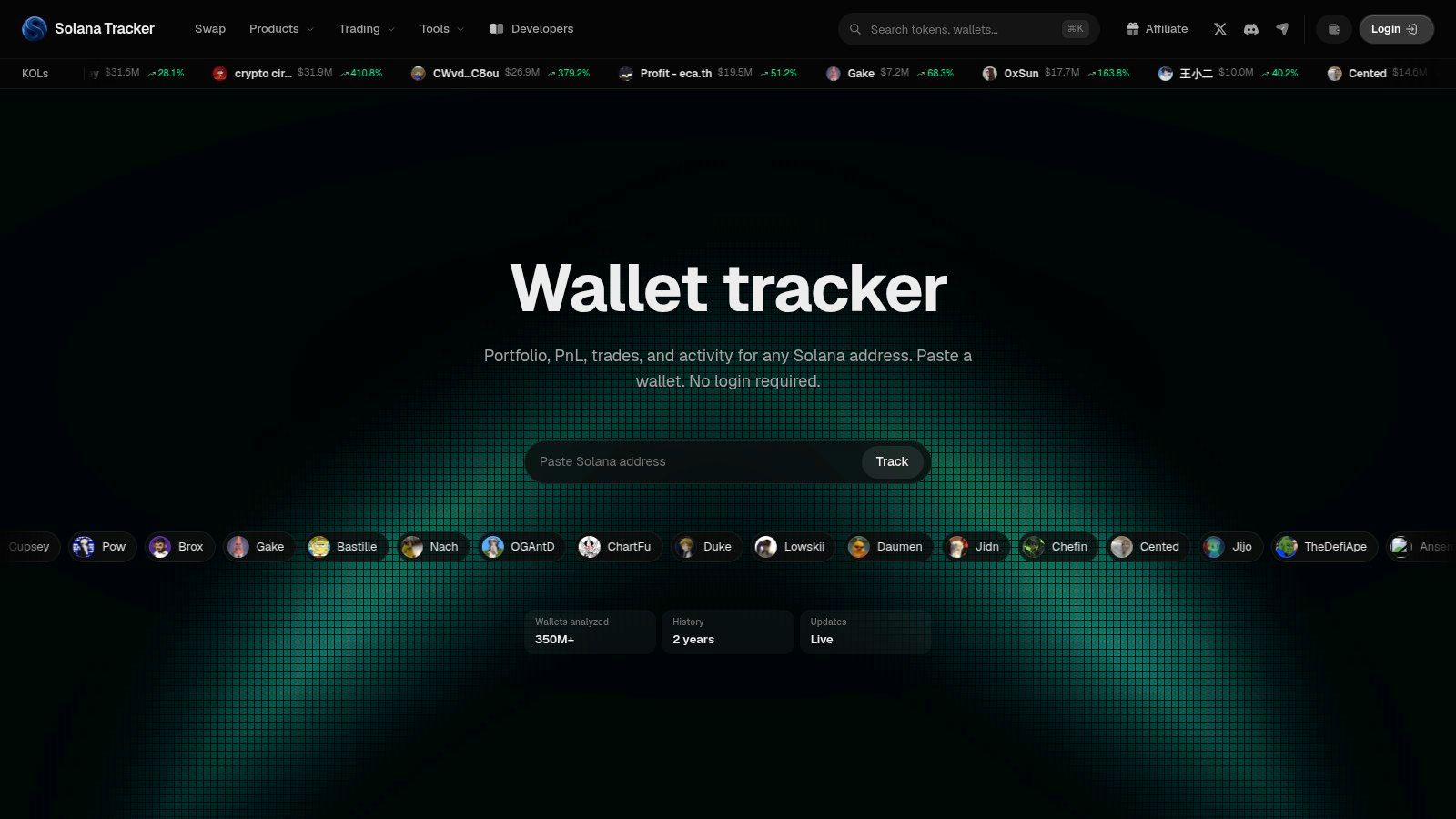
Paste an address, get an answer. Solana Tracker Wallet Tracker runs public Solana wallet lookups with no login and no wallet connection, which makes it the lowest-friction option here for inspecting an address you don't control.
The view pulls holdings, allocations, PnL, trades, transfers, and activity onto one screen. It advertises live updates and a history window of up to two years, although actual coverage should be checked against the address you're reviewing rather than assumed.
Keep the lookup separate from execution
Read-only inspection is the point. You can study a wallet's behavior without granting any permissions over your own funds, which is a sensible starting point when you're still deciding whether its history deserves attention.
It handles quick checks of Solana holdings, activity, and allocation well. It does not consolidate exchange accounts, cover other chains, or produce tax records. When its figures disagree with another provider, the usual causes are incomplete history, missing tokens, or mismatched valuation timestamps, so compare acquisition history and transfers before trusting either number.
The Solana wallet tracker guide lays out a workflow for this kind of address research. Seeing a public wallet's activity is not the same as having a complete explanation of its performance.
Simplicity is the advantage here. It only becomes a limitation when you expect a single-chain address view to account for activity happening elsewhere.
4. CoinStats
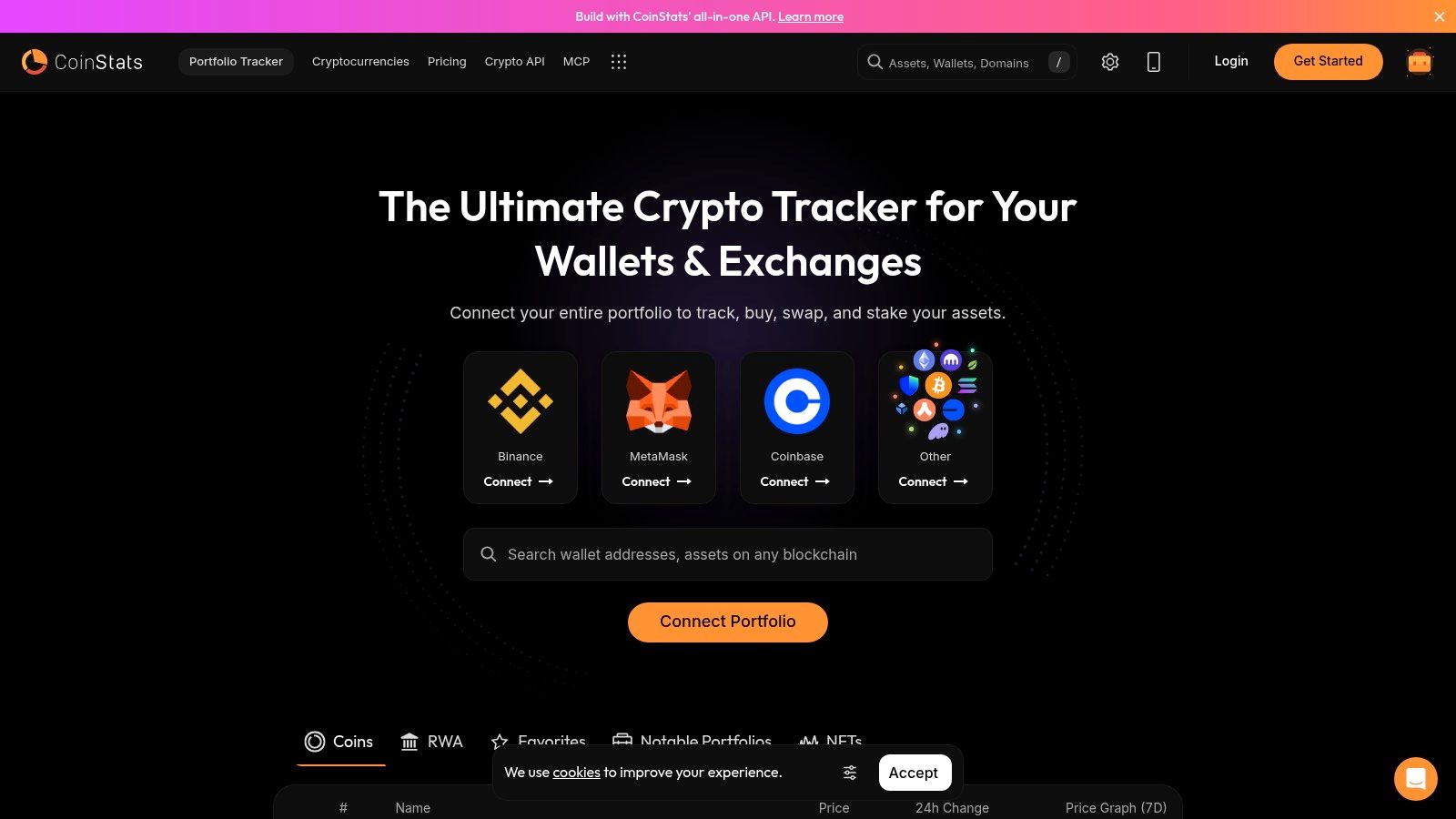
Scattered accounts call for a portfolio aggregator, not another public-wallet watchlist. CoinStats connects wallets and exchanges, supports public-address tracking, and provides portfolio-level and asset-level PnL through web and mobile interfaces.
Its analytics include all-time, realized, unrealized, last-transaction, and daily views. Those views serve different purposes. A recent price move can explain today's account change without explaining the result of completed trades.
Consolidation still needs reconciliation
CoinStats is a practical candidate when your main problem is seeing several accounts together. Its wallet analyzer and performance analytics add detail beyond a list of balances, while mobile access makes routine checks easier.
Some analytics and higher limits require Premium. Check the relevant integration before paying, especially if your activity includes DeFi transactions that need more interpretation than a straightforward exchange fill.
- Main strength: Combined visibility across wallets and exchanges.
- Main trade-off: The dashboard depends on the completeness of imported activity.
- Wrong expectation: It isn't primarily a trader leaderboard or copy-trading execution product.
A useful trial is to inspect a familiar asset with purchases, a transfer, and a partial exit. Check whether the imported history explains the displayed result before connecting the rest of your accounts.
That's a better test than whether the headline balance looks plausible. Aggregation organizes records; it doesn't remove the need to inspect them. CoinStats belongs on the shortlist when account fragmentation is the problem you're trying to solve.
5. Zerion
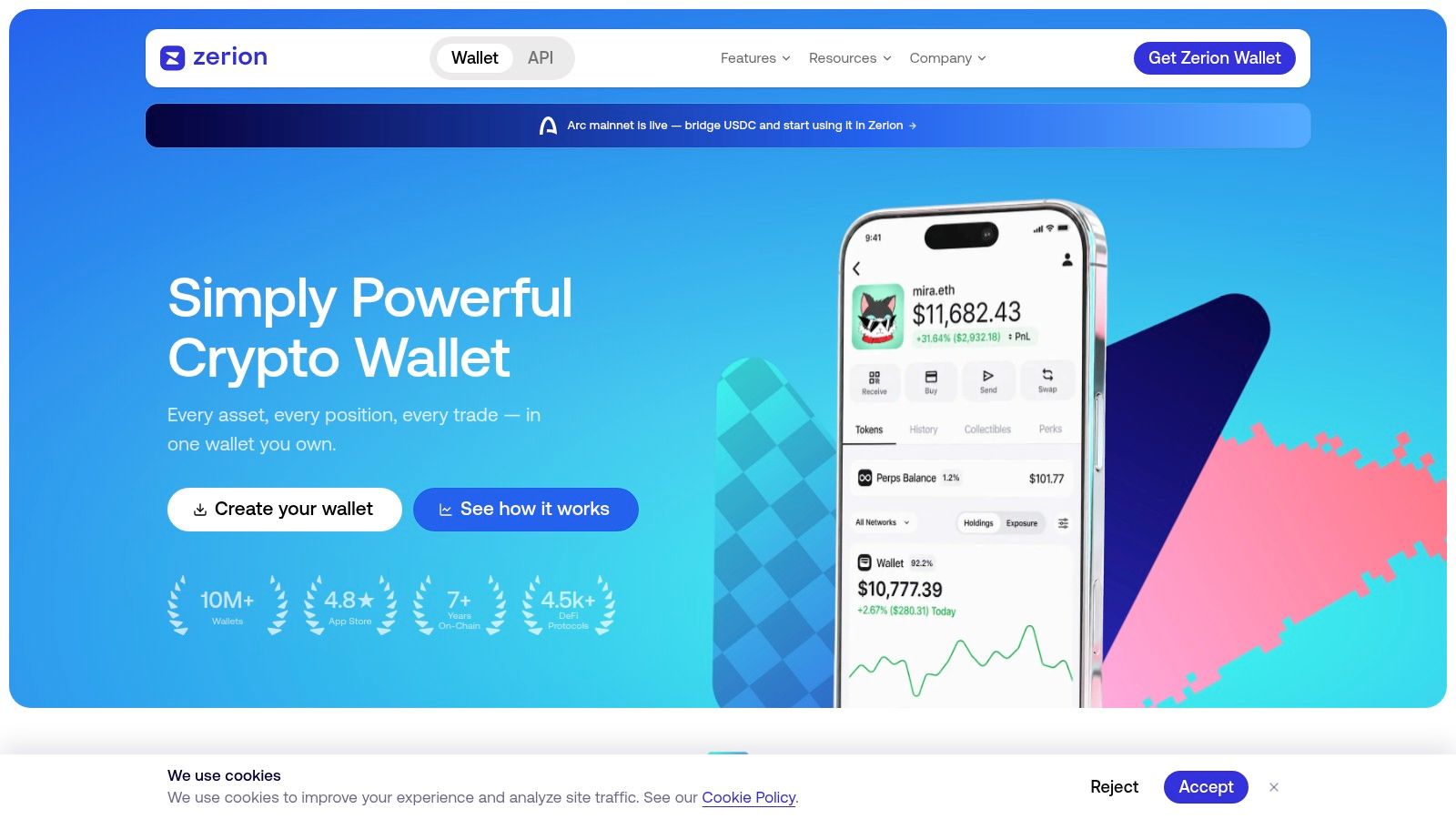
Zerion combines a multichain wallet and portfolio interface with detailed PnL through Premium. You can analyze your own supported wallet or another supported address, with realized, unrealized, and total PnL alongside per-token details.
The accounting method deserves attention. Zerion's help material describes FIFO-based calculations, so comparing its result with a platform using a different lot method may require more than checking current prices.
Check Premium coverage before subscribing
Premium includes CSV exports and alerts. The service is available through web, mobile, and a browser extension, which suits traders who want wallet monitoring close to their usual portfolio workflow.
The important restriction is network coverage. Premium supports EVM networks, while Solana Premium support is not yet available. Don't assume the broader wallet interface and paid PnL features cover exactly the same activity.
A supported wallet view and a supported accounting history aren't necessarily the same thing.
For a broader monitoring workflow, the guide to tracking crypto wallets helps separate address observation from complete portfolio accounting.
Zerion's useful distinction is the combination of wallet access and cost-basis detail. Its limitation is that the result still depends on transaction coverage and the platform's calculation method.
Before relying on a comparison between your wallet and another address, check that both histories are adequately represented. Otherwise, you may be comparing a complete trading record with an incomplete estimate. Detailed PnL is worth paying for only when it answers a question your existing wallet view cannot.
6. CoinTracker
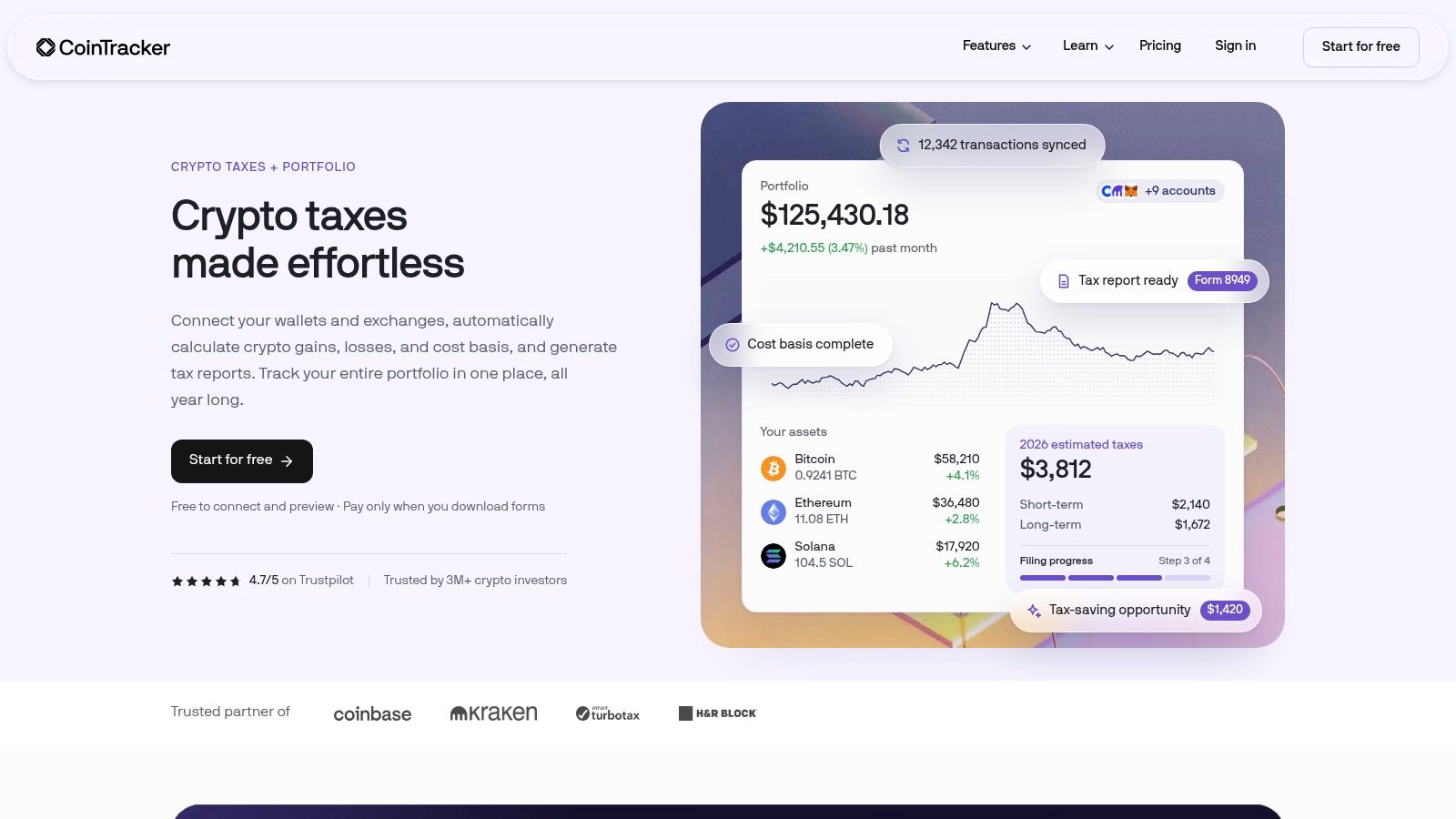
Moving assets between your own wallets shouldn't make their acquisition history disappear. CoinTracker focuses on portfolio tracking and crypto tax preparation, with transaction categorization and transfer matching across connected wallets, exchanges, and supported chains.
Eligible paid plans add performance tracking, tax-lot analysis, and tax reports. Free access lets users connect accounts and preview a tax summary, which provides a way to inspect imports before committing to the reporting workflow.
Trading performance isn't the tax record
Transfer matching is particularly relevant for traders who move assets between accounts. It can help preserve cost basis, but incomplete imports and misclassified transactions still require review.
The distinction isn't academic. U.S. broker reporting for 2025 generally covers gross proceeds without cost basis, while the reporting framework leaves important reconstruction responsibilities with investors, as explained in CNN's coverage of Form 1099-DA. That's a jurisdiction-specific example, not a rule to apply globally.
CoinTracker fits traders who need portfolio information to feed into tax preparation. It doesn't fit live wallet discovery or copy-trading execution.
Before purchasing a plan, examine transfers, missing acquisitions, fees, and partial disposals. A tax-lot breakdown is useful only if the underlying records belong together.
The trade-off is review effort versus reporting structure. CoinTracker provides an organized place to do that work, but importing accounts isn't the same as completing reconciliation. Treat the initial summary as something to verify, not the final answer.
7. Koinly
Import first. Inspect the calculations. Decide whether to buy the report afterward. That's the useful workflow offered by Koinly, which combines wallet and exchange imports with portfolio performance, realized and unrealized gains, and tax summaries.
Its coverage includes DeFi, NFTs, and futures or margin activity. Public-address connections also let users bring wallet history into the review without manually entering every transaction.
Test your difficult transactions
A straightforward purchase tells you less about an importer than a complicated transfer history. Start with the activity most likely to need correction, then inspect how the platform classified it.
- Useful free access: Import activity and review calculated gains before purchasing a tax report.
- Paid requirement: Downloading tax reports requires a paid plan.
- Important limits: Active traders should check transaction allowances and integration coverage.
Koinly is designed to match transfers between your own wallets and preserve cost basis. That makes it relevant to record keeping, but matching still depends on receiving the necessary history from both sides.
Its main job is historical reconstruction, not live trader discovery. Don't choose it because you want a leaderboard or immediate visibility into someone else's entries.
Choose it when you want to examine imported activity alongside tax-oriented calculations. Before relying on the report, confirm that its treatment of transactions and accounting options fits your jurisdiction. Support for a transaction type doesn't eliminate the need to inspect unusual activity, missing basis, or classifications that don't match what happened.
8. CoinTracking
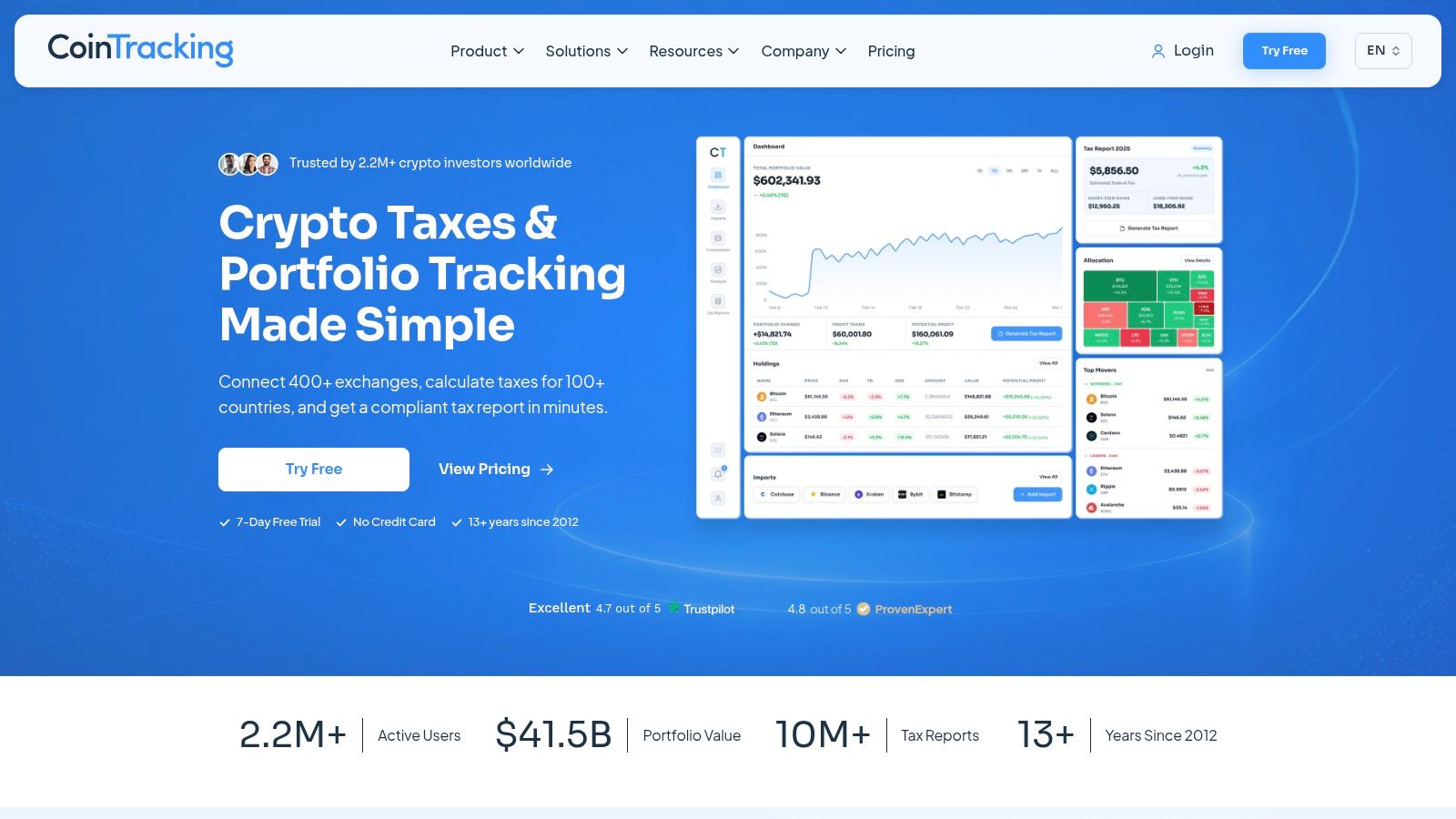
CoinTracking suits traders who want reporting depth rather than a minimal PnL screen. It tracks balances across exchange and wallet imports, reports realized and unrealized gains, and provides trade-level and asset-allocation analysis.
Imports include CSV and manual entry, with automatic synchronization on eligible plans. The company states that it has operated since 2012, but longevity is context, not proof that a particular integration will reconstruct your history correctly.
More reports, more review work
The attraction is the ability to inspect underlying trades instead of stopping at an aggregate result. That matters when you're trying to explain a discrepancy, review asset exposure, or reconcile imported records with your own exports.
The cost is complexity. A feature-rich reporting interface may be excessive if you only want a quick view of open positions.
- Good fit: Detailed historical analysis and portfolio reporting.
- Plan consideration: Paid options accommodate different portfolio sizes and transaction volumes.
- Coverage boundary: Free importing is limited, and the product isn't designed for trader discovery or copy-trading.
Before committing, test the import method you will use. Manual corrections may be acceptable for occasional activity but inconvenient for a consistently active account.
Reporting depth is useful only when the data remains explainable. Keep original exports available and check whether you can trace a displayed gain back to its acquisition and disposal records. CoinTracking belongs in the reporting category, not the public-wallet research category, even though both can display realized PnL.
9. CoinMarketCap Portfolio
CoinMarketCap Portfolio is a free record-keeping option for traders who don't need a specialist analytics workspace. It supports manual transaction entry, supported public wallet addresses, and connections to supported exchanges.
The product provides market pricing and web and mobile access. It's informational rather than custodial or transactional: it doesn't hold funds or execute trades.
Manual control means manual responsibility
Manual entry can be useful when you want a straightforward portfolio record. It also means incorrect quantities, fees, or dates can produce a misleading result without any obvious problem in the interface.
Connected data doesn't remove every issue either. Data lags and external-source errors can create discrepancies that need checking.
Desk test: If you can't explain the entry price and fees behind a displayed gain, don't treat the portfolio total as reconciled.
CoinMarketCap Portfolio is less suited to evaluating an on-chain trader's full history than specialist wallet analytics tools. Its role is basic portfolio visibility, not detailed public-address investigation.
The practical advantage is simplicity and free access. The practical limitation is how much depends on the records you provide and the supported connections you use.
For an occasional portfolio check, that may be enough. For frequent partial exits, transferred assets, or complicated transaction histories, inspect whether maintaining the record creates more work than using a dedicated accounting platform. A simple crypto PnL tracker is useful when the underlying workflow is simple too.
10. SolTracks
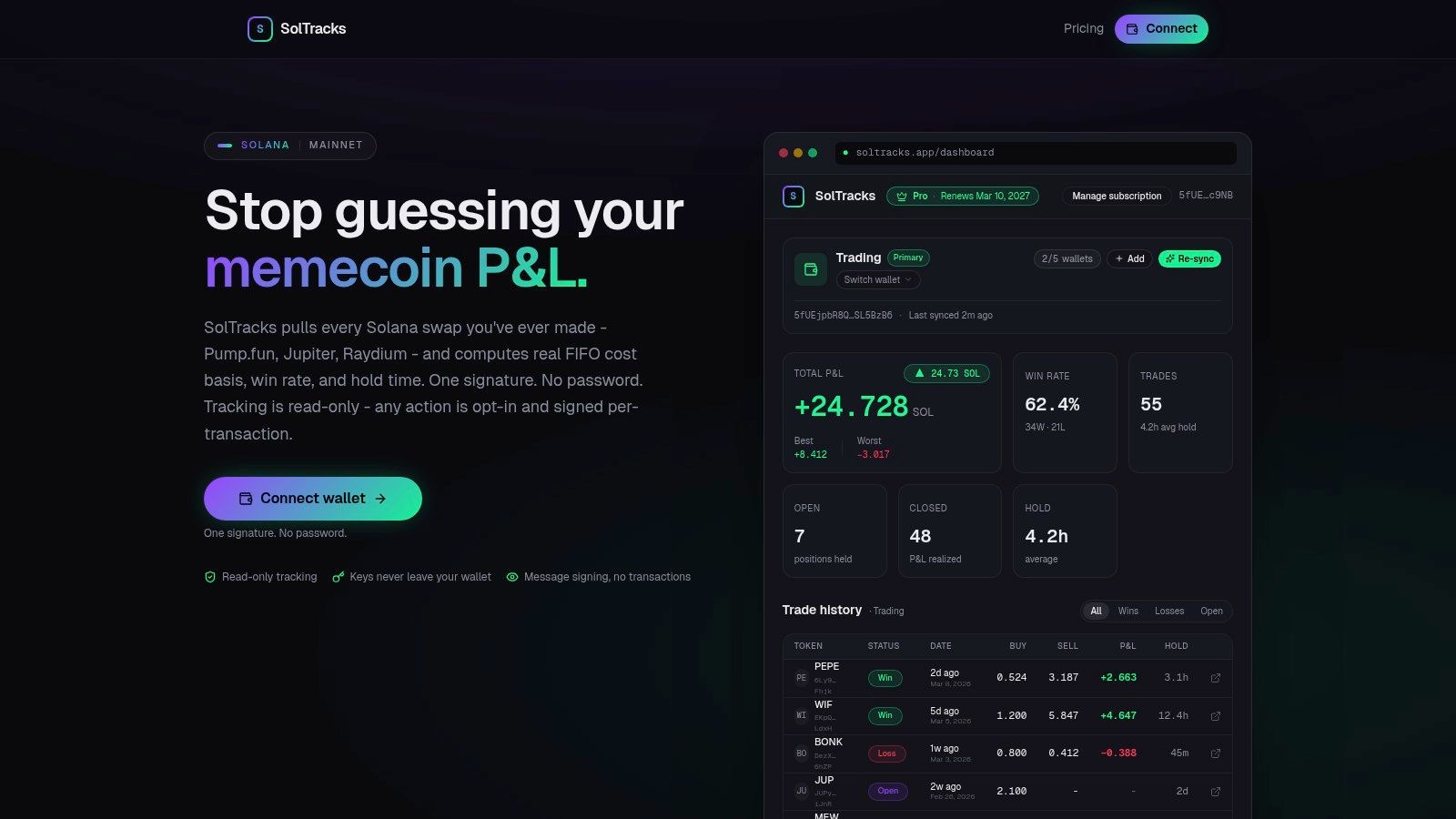
Memecoin review needs more than current holdings. SolTracks targets Solana trading activity and says it reconstructs swaps across venues including Pump.fun, Jupiter, and Raydium.
Its advertised metrics include FIFO cost basis, realized PnL, win rate, holding time, and open-position details. Pro features include all-time data, multiple-wallet support, and CSV exports.
Inspect fills, not just token marks
Trade-level detail is useful when you want to review entries, exits, and holding patterns. Still, missing history or token pricing data can affect the estimate, particularly when a displayed valuation isn't representative of an executable exit.
That concern has concrete support. Allium reported that 21% of Solana DEX trades year-to-date experienced at least 3% slippage in its analysis of on-chain trading data gaps. A source wallet's attractive result therefore doesn't establish what another wallet would have achieved.
SolTracks describes its tracking model as read-only. Review any connection or signing prompt anyway, and distinguish address inspection from granting permissions.
Its narrower focus may suit memecoin trade review, but it's less established than broad portfolio products and has limited independent user feedback available for evaluation. Treat that as a reason to validate outputs carefully.
The useful test is reconstruction: can you follow a completed position from acquisition through disposal, including costs? If not, a precise-looking PnL figure remains an estimate.
Top 10 Crypto P&L Trackers: Feature Comparison
| Tool | Core Capability | Best For | Standout | Value / copyfomo Fit |
|---|---|---|---|---|
| Birdeye Wallet Analyzer | Solana wallet PnL, trades, and activity | Researching Solana traders | Trader discovery and wallet monitoring | Recent activity is free; historical data and exports have paid limits. Research only, not trade execution. |
| Nansen | Wallet PnL, labels, Smart Money, and multichain research | Comparing wallets and market participants | Address labels add context to performance | Solana access is available free; broader features vary by plan. No copy-trading. |
| Solana Tracker Wallet Tracker | Solana holdings, PnL, trades, and transfers | Quick public-wallet checks | Lookup without login or wallet connection | Pricing not specified. Analytics only; no execution. |
| CoinStats | Portfolio and asset PnL across wallets and exchanges | Tracking multiple accounts | Web and mobile portfolio views | Some features require Premium. Broader portfolio tracking, not trader copying. |
| Zerion | Multichain wallet tracking and detailed PnL | Following or comparing wallets | FIFO-based PnL; web, mobile, and extension | Detailed PnL is Premium. EVM-focused; not a copy-trading tool. |
| CoinTracker | Portfolio tracking, transaction matching, and tax reporting | Combining portfolio and tax records | Transfer matching helps preserve cost basis | Detailed performance features require paid plans. Not for live trade mirroring. |
| Koinly | Wallet/exchange imports, gains, and tax summaries | Reviewing DeFi activity and tax history | Supports DeFi, NFTs, and futures/margin activity | Imports and gain previews are available free; tax reports are paid. No live copying. |
| CoinTracking | Portfolio tracking and detailed trade reports | Users wanting extensive analytics | Trade-level and allocation reporting | Free importing is limited; paid plans vary. Reporting tool, not execution. |
| CoinMarketCap Portfolio | Manual or connected portfolio tracking | Basic portfolio record-keeping | Free, informational, and non-custodial | Free. Less suited to deep trader research; no trade execution. |
| SolTracks | Solana swap history, FIFO PnL, and win rate | Solana memecoin traders | Holding-time and open-position metrics | Pro features include all-time data and exports. Analytics only, not copy-trading. |
Choose the Tracker Before Connecting the Wallet
Choose by job. Public-wallet research calls for activity and token-level inspection. Portfolio aggregation calls for complete account coverage. Tax record keeping calls for acquisition history, transfer matching, and reviewable calculations.
For Solana research, inspect what Birdeye and Solana Tracker cover for the address in question. Nansen adds labeled-wallet context. SolTracks focuses more narrowly on memecoin trade review, while Zerion combines supported-wallet monitoring with paid PnL analysis.
CoinStats and CoinMarketCap Portfolio address broader portfolio visibility with different levels of complexity. CoinTracker, Koinly, and CoinTracking are more relevant when historical records and reporting matter. None should be judged solely by how neatly it displays a total.
Validate the calculation before the subscription
Check supported networks, import methods, history limits, accounting methods, and export access. Then inspect a familiar completed trade, an open position, and a transfer between your own accounts.
For material positions, check the valuation source too. CoinGecko's discussion of institutional crypto data APIs explains price aggregation and historical data. For desk review, keep execution prices separate from later reference quotes and flag stale or missing valuations rather than treating them as reliable marks.
The same discipline applies to copied trades. A study of cryptocurrency copy-trading platforms found that copying top-ranked leaders did not produce substantial investment profits. A leaderboard is a research input, not evidence of future results.
Keep execution and permissions separate
For traders already using fomo, copyfomo is a separate execution and monitoring option. Its Telegram bot automatically mirrors filled entries and exits from traders on the fomo leaderboard at a configured size, while funds remain in the user's wallet. Its monitoring features don't replace a reconciled accounting history.
Non-custodial execution still requires permission management. Ethereum's guidance explains that token approvals authorize a spender to use wallet tokens, including risks from unlimited allowances. Stopping an interface session isn't the same as revoking spending authority: revocation requires a separate on-chain transaction.
Compare your own filled prices, costs, remaining positions, and exits with the source trader's activity. Don't substitute their PnL for yours. Copy trading carries risk, and past performance does not predict results. Automated execution doesn't remove market, liquidity, technical, or security risks described in the SEC's crypto-asset investor alert.
copyfomo offers automated mirroring of fomo traders' filled entries and exits through Telegram, with configurable sizing and funds remaining in your wallet. Keep your own execution-level PnL record, then visit copyfomo to start the bot on Telegram.
stop reading. start copying.
pick a trader from the fomo leaderboard, set your size, and the entries and the exits land in your own wallet while you sleep.
open copyfomo on telegram →